
EagerLED Academy
Come gli schermi pubblicitari a LED distribuiscono e programmano i contenuti

Mar
A retail offer that looks clear on a designer’s monitor can lose its price or expiry date on a narrow storefront screen. The remedy starts before playback: give the designer the physical screen layout, native pixel canvas and time a passer-by has to read the message.
1. Build the advertisement for its viewing position
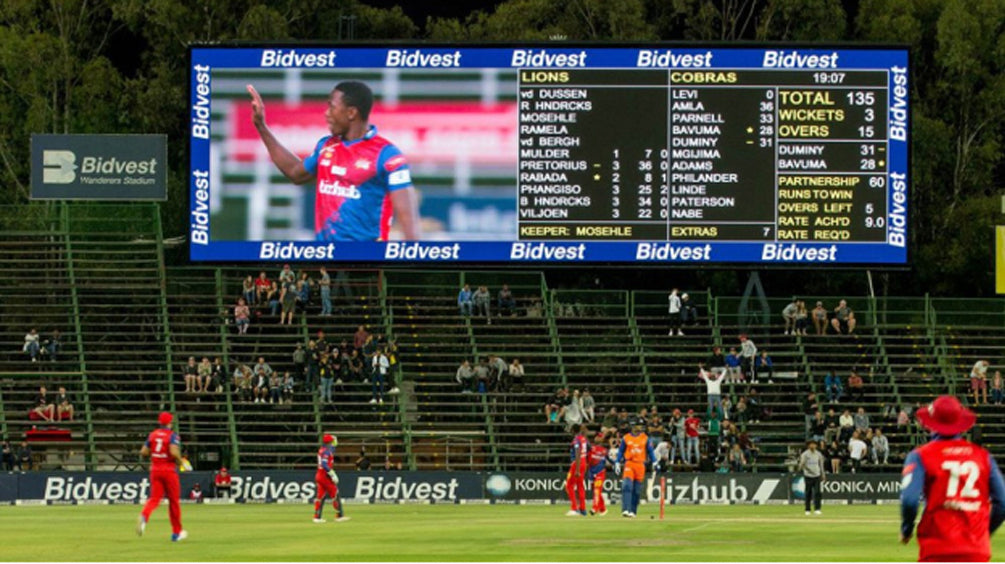
Create a proof at the final aspect ratio and stand at the intended viewing distance. On a shopfront, try one price, one product and one action. For public directions, make the destination and arrow legible before adding sponsor graphics. Keep critical text away from an architectural break or the join between separate screens.
2. Choose live input or scheduled playback
A media player works well for a menu or campaign that follows a timetable. Define when the offer starts, when it expires and what plays if the next item is missing. For a live launch with a camera and branded graphics, specify the source inputs and simultaneous layers required of the video processor.
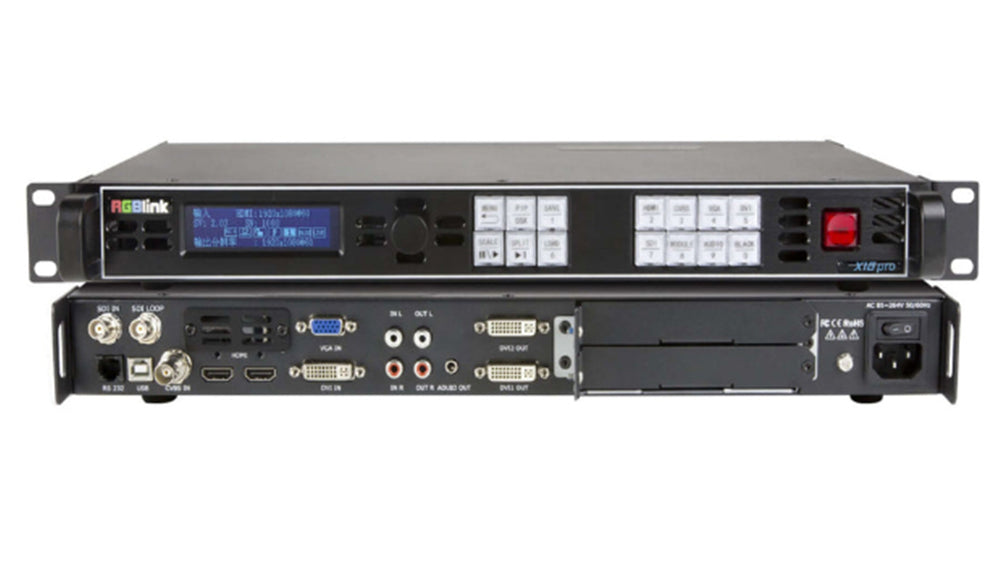
The sending controller distributes the resulting image to the receiving cards in the cabinets. A successful upload confirms only one step. Check the actual screen for cropping, an outdated playlist and incorrect local time.
3. Plan for unusual surfaces and public spaces
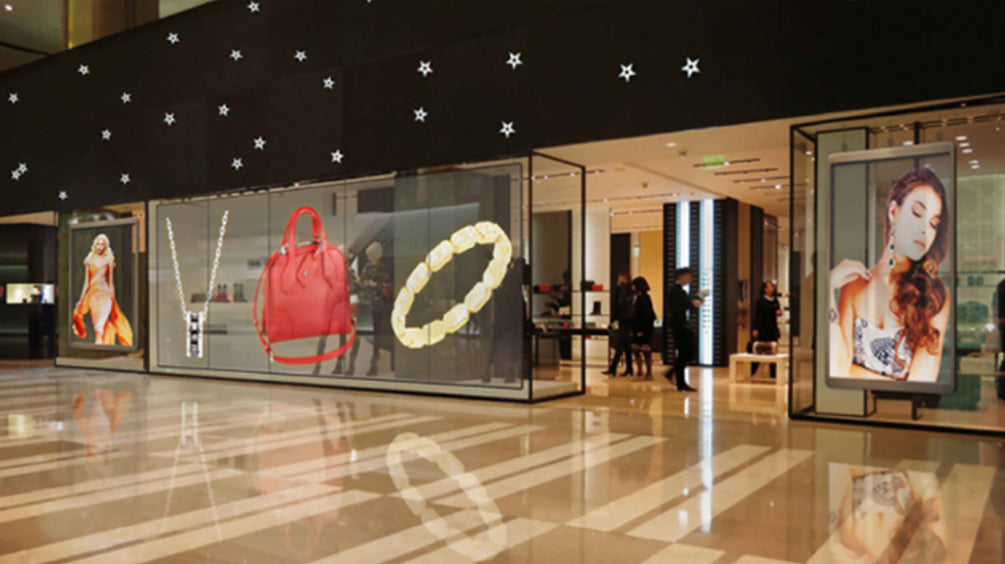
Transparent or curved installations need an artwork proof on the proposed surface. Background light can make fine type disappear. A wayfinding screen also needs a fallback message if its timetable or directions feed becomes unavailable.
4. Verify that the campaign ran as intended
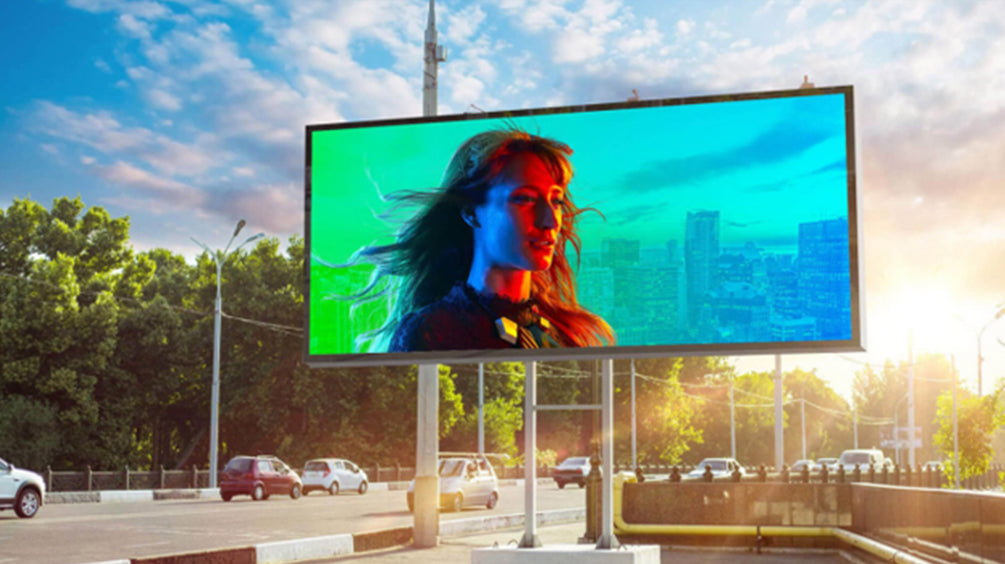
Keep the asset name, scheduled times, screen location and a photograph of the live display. Where a player supplies playback logs, compare them with the schedule. To measure response, use a campaign-specific offer or destination and record the comparison period. A playback count by itself measures delivery.
5. Domande frequenti
(1) What size should LED billboard artwork be?
Ask for the active width and height in pixels and the required file format. Cabinet dimensions in metres alone do not give the designer the image resolution.
(2) Can a screen keep showing ads when the network goes down?
A player with supported local storage can continue a downloaded playlist if configured for offline playback. Test the intended behaviour before the campaign starts.
(3) Why is part of my advertisement cut off?
Compare the artwork aspect ratio with the wall and inspect the player or processor’s fit, fill and crop settings. Place a border around a test file to see which edges are missing.
6. CONCLUSIONE
Prove one complete advertisement on the installed screen before scheduling the full campaign. That test checks the artwork, playback path and message under the conditions in which people will actually see it.