
EagerLED Academy
NovaStar LED Controllers Compared: MCTRL, MX and CMS Models

March
A replacement NovaStar controller must accept the source and drive the existing receiving system. MCTRL, MX and CMS models cover different workflows. Start with a photograph of the old unit’s front and rear panels and the native pixel dimensions of the screen.
1. MCTRL300, MCTRL600 and MCTRL4K sending controllers
(1) MCTRL300
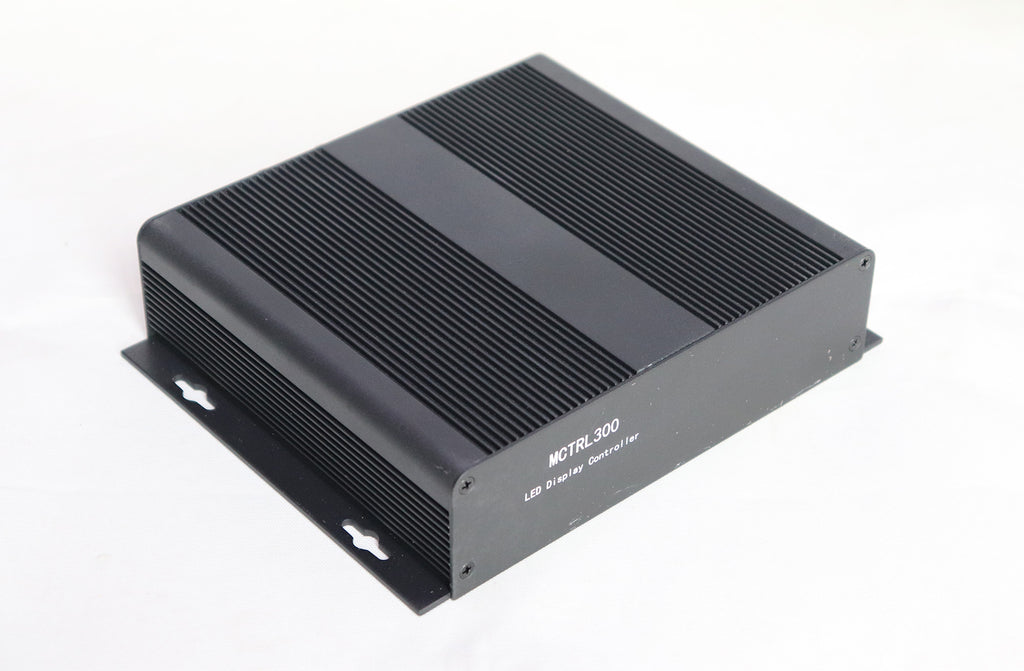
The MCTRL300 sends a synchronous video source to compatible LED receiving cards. On a replacement job, identify the upstream device that supplies the required video timing. If an external scaler is already in the rack, record its output settings.
(2) MCTRL600
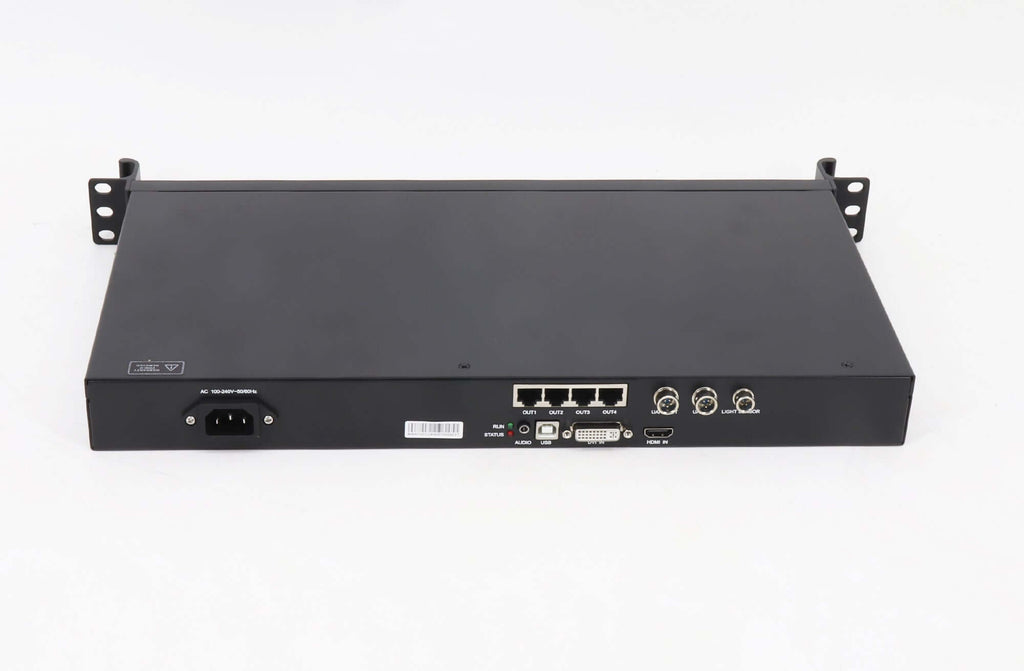
NovaStar lists HDMI and DVI inputs on the MCTRL600 and specifies 1920 × 1200 at 60 Hz for an 8-bit source. Keep the bit depth and refresh rate beside that figure when checking a design. A custom wide canvas must also fit the model’s dimension and port limits.
(3) MCTRL4K
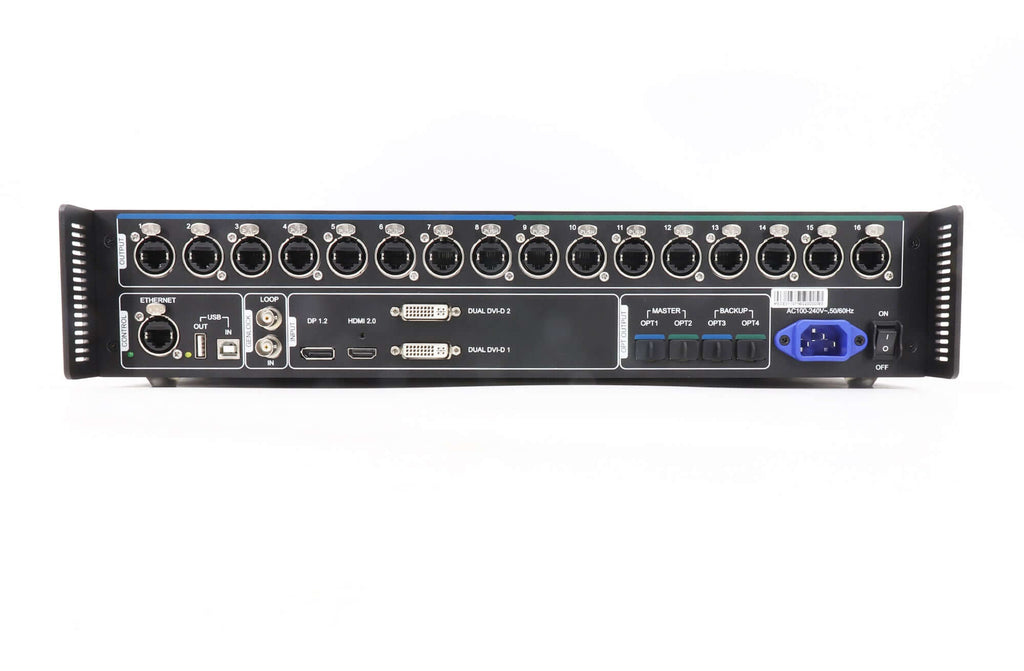
Consider the MCTRL4K when the system needs a larger synchronous canvas. Check the input timing and actual Ethernet or optical distribution plan. For a long cable run, identify the equipment at both ends of the fibre and include it in the bill of materials.
2. MX40 Pro and MX30 in a COEX system
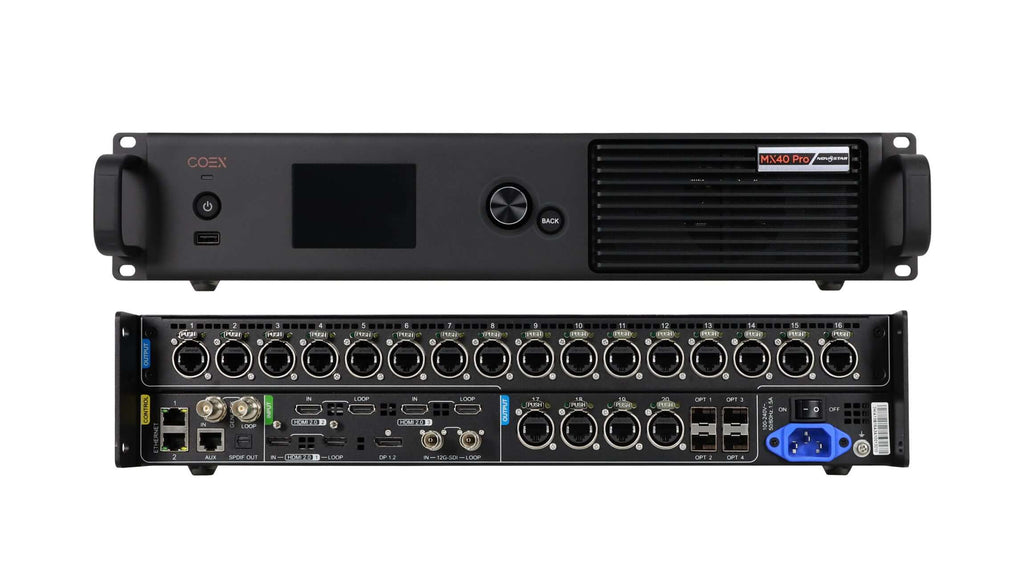
The MX40 Pro belongs to NovaStar’s COEX family. Record the receiving hardware and VMP software version for the proposed system. For camera work, specify the real source and operating mode for a rehearsal so that timing and image quality can be evaluated together.
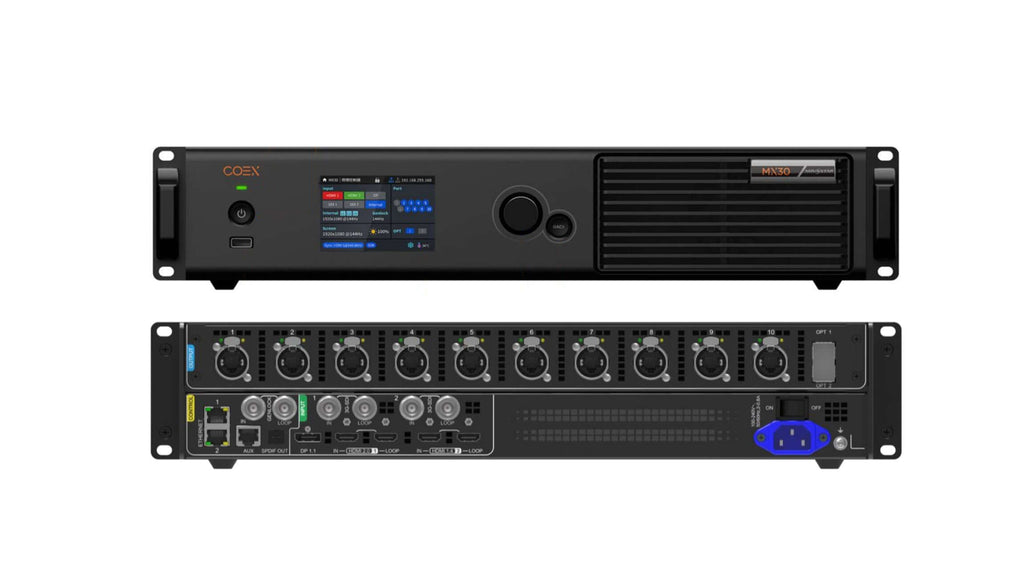
The MX30 combines video processing and sending in one enclosure. Its specification lists ten Ethernet outputs and two 10G optical ports. Work out which cabinets each port will serve and whether a spare or backup path consumes any of the planned capacity.
3. CMS260 and CMS130 all-in-one controllers
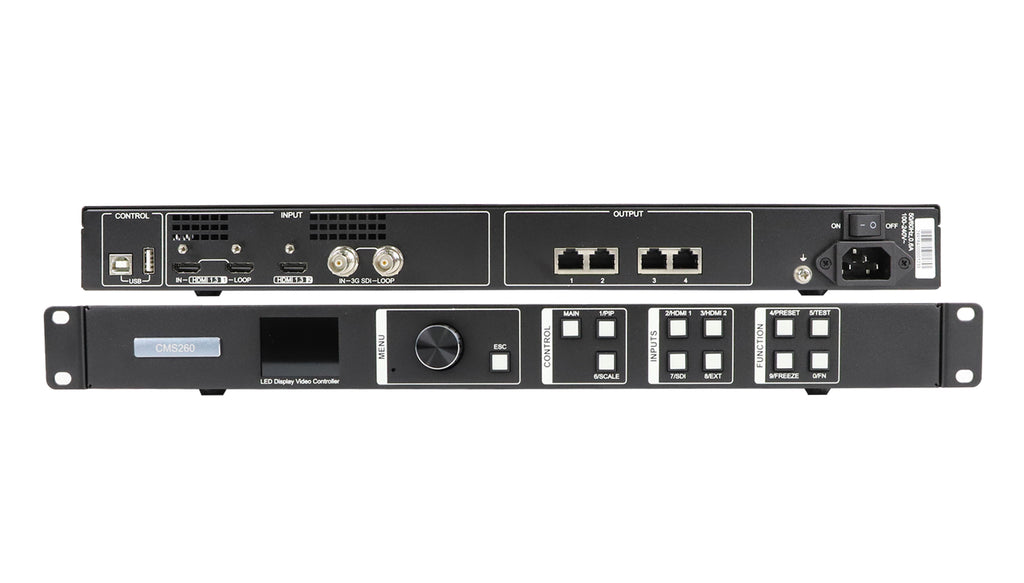
The CMS260 processes a local video input and sends it to the display. Its model name can be confused with content management software. If the project requires remote scheduling across several shops, include the player or publishing platform that provides that service.
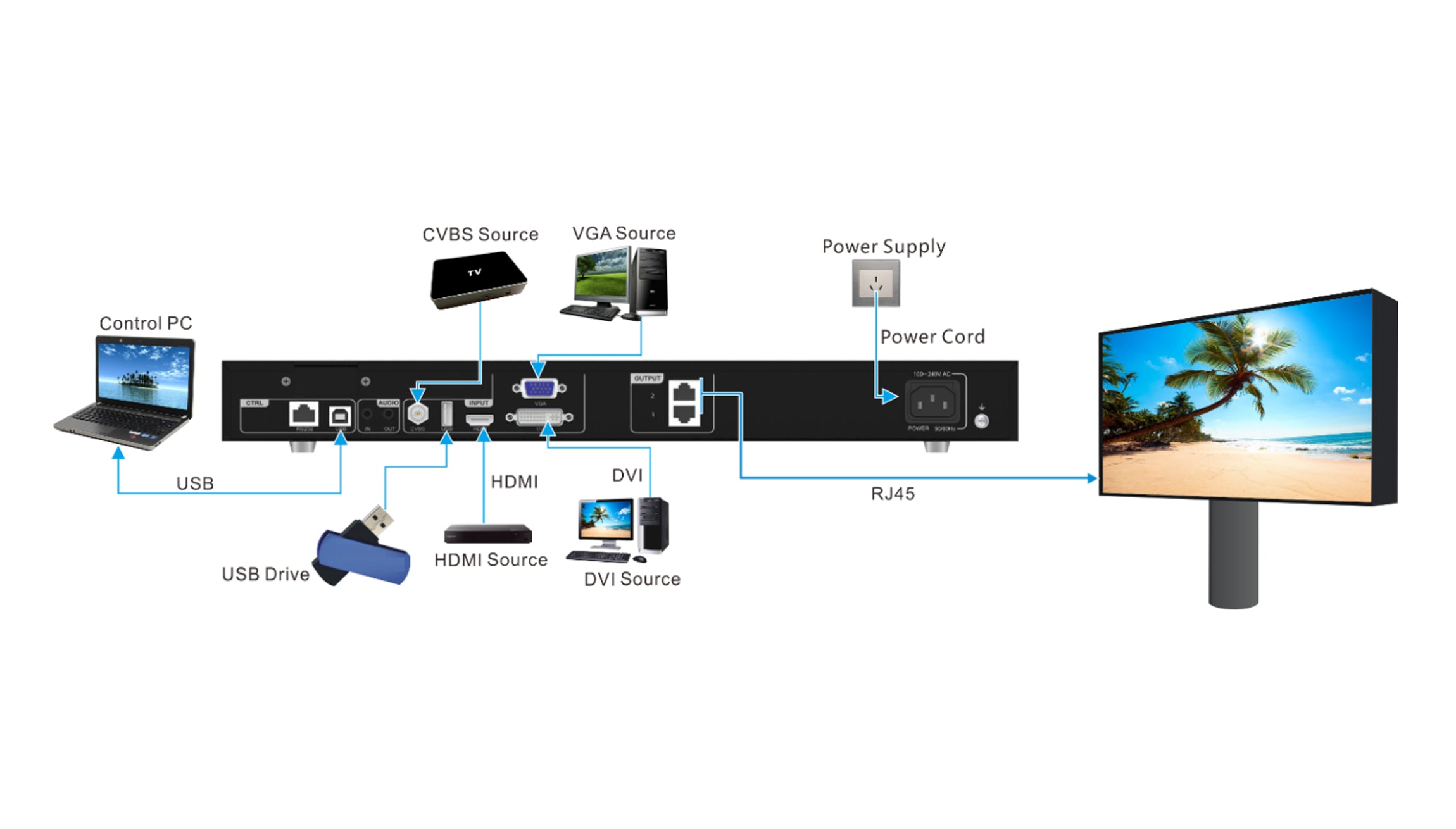
Treat the CMS130 as a separate model. Match its output capacity and per-port layout to the wall, even when it accepts the same source format as a larger unit. See the LED control-system buying checklist for the details to record.
4. Check the installed wall before specifying a replacement
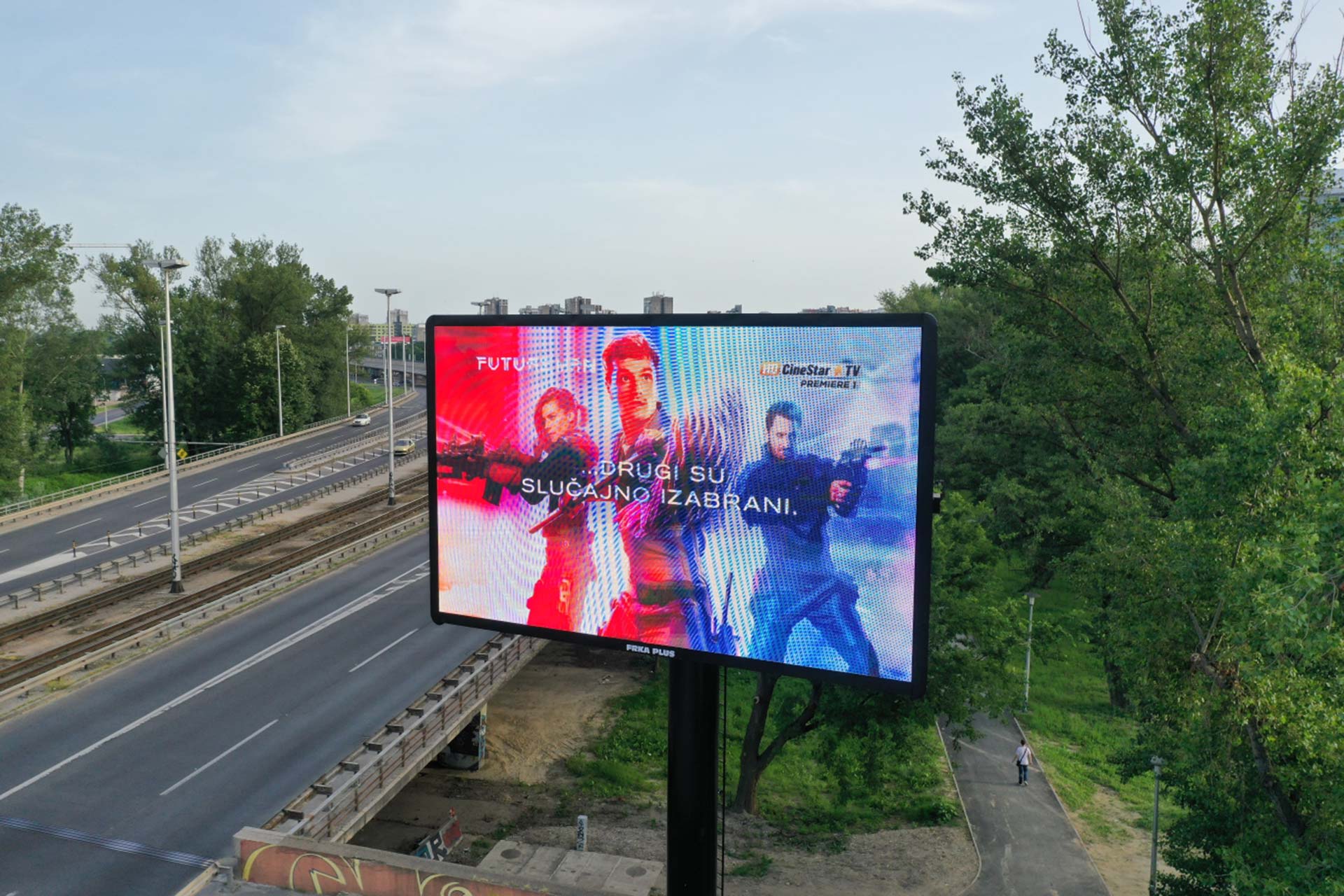
For an outdoor screen, the cabinet and modules determine environmental protection and available brightness. Record processor location, cabinet condition and cable distances separately. For an on-camera wall, test brightness and shutter settings with the actual camera and receiving configuration.
5. 자주 묻는 질문
(1) Will a controller with a 4K input drive every 4K LED wall?
Check input acceptance, total output loading, port loading and maximum canvas dimensions for the selected mode. All four must match the proposed layout.
(2) Can I replace an MCTRL controller with an MX30 without changing other equipment?
Have the receiving-card model, firmware, module configuration and cable plan checked for COEX compatibility. Save the original configuration before testing a replacement.
(3) Does the CMS260 publish playlists to remote sites?
Its role here is local video processing and sending. Identify a separate scheduling workflow when remote playlist distribution is required.
6. 결론
Choose the controller that fits the existing source, cabinets and operator workflow. Put the exact model, input timing, port map and software version on the same drawing before approving a substitution.