
EagerLED 教學
LED視訊處理器功能:縮放、切換和備份

君
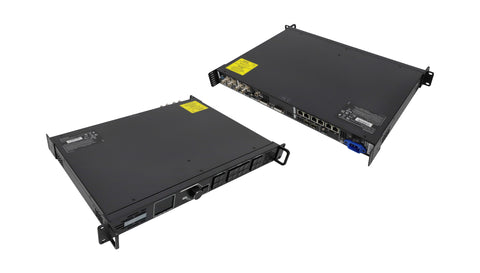
An LED video processor receives video from a source such as a camera, laptop or media player and prepares the picture for the LED wall. In a separate-box system, the processed picture goes to a sending controller. An all-in-one unit combines the processing and sending functions.
1. Fit the source picture to the screen
For a narrow ribbon display, preserving a 16:9 source’s proportions may leave empty space. Filling the whole ribbon can crop the picture, while stretching it changes the shape of logos and faces. Ask the operator to show a circle and a border in the test image so the chosen mode is easy to recognise.
2. Switch sources and arrange layers
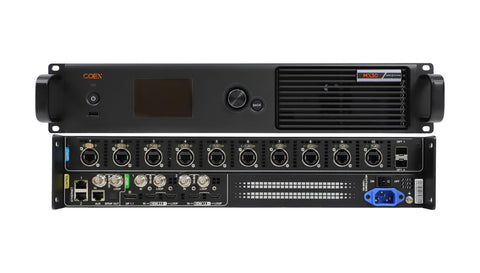
Switching changes the active input. A layer places one picture on a defined area of the canvas, for example a speaker camera beside presentation slides. Check how many layers can run at the chosen input timings. Rehearse transitions with the real sources and watch for a blank frame, a delayed lock or unexpected resizing.
3. Distinguish backup functions
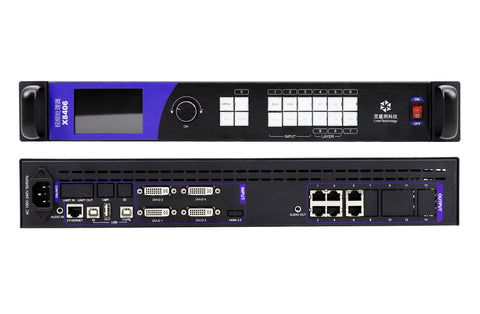
A saved preset restores a layout. A backup input provides another source. Redundant data wiring protects a defined transmission route, and a redundant supply addresses a different failure. Read the model’s wiring diagram before promising automatic recovery. Test the specific failure and record what the audience sees.
4。 經常問的問題
(1) Can I connect HDMI directly to an LED cabinet’s RJ45 input?
A cabinet data input expects the protocol of its receiving system. Use a compatible sending controller or all-in-one controller between the source and the cabinet.
(2) Why do two laptops behave differently on the same processor input?
Compare their output resolution, frame rate, colour format and content protection requirements. Test with the same known-good cable and a supported source timing.
(3) Can the processor switch cleanly between a camera and slides?
That depends on the processor, source timings and switching mode. Rehearse the actual transition, including the first switch after connecting a source.
(4) Does saving a preset protect the wall against a failed cable?
A preset records operating settings. Cable redundancy requires a supported physical route and an appropriate configuration.
5. 結論
Write a short acceptance test for each feature you need: fit an image, switch two sources, show the required layers and exercise the agreed backup path. This gives the operator a clear answer about what the installed system can do.