
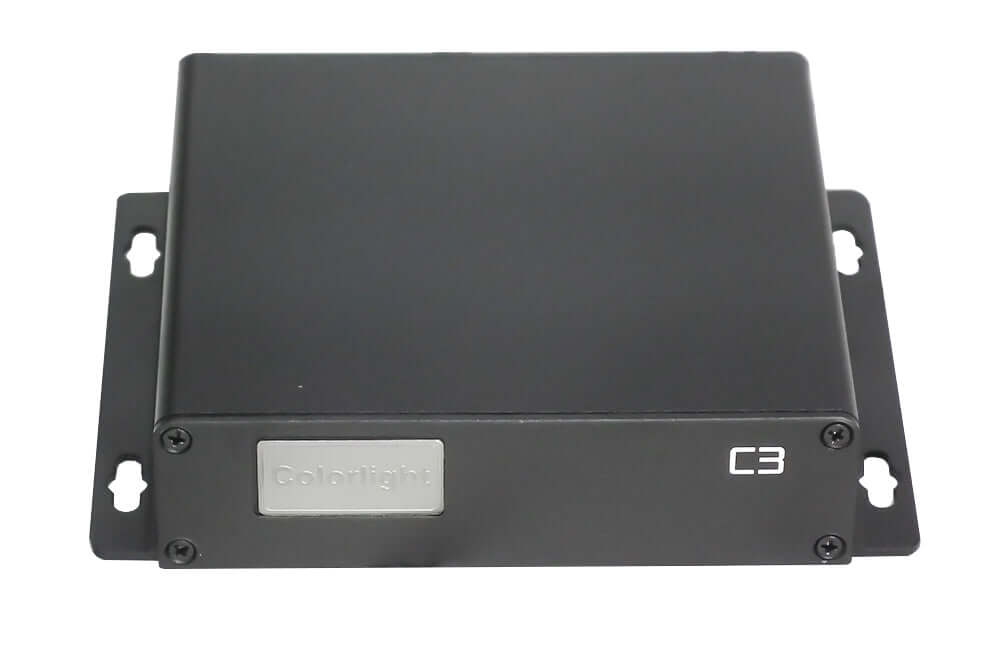
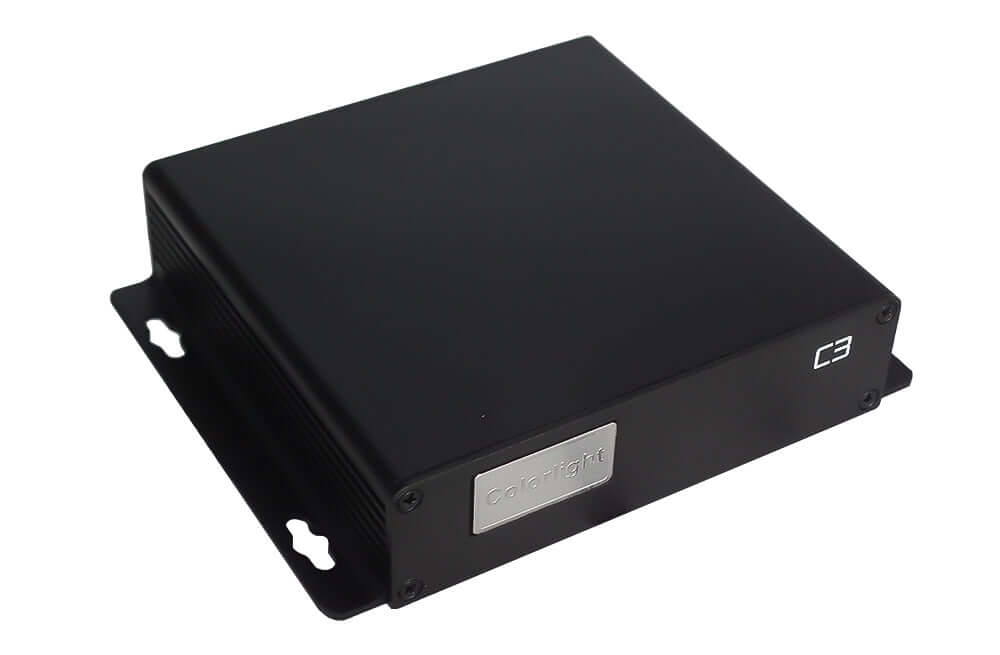
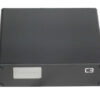
Colorlight C3 LED Video Player (Discontinued)
$ 80.68
Discontinued model. Colorlight C3 asynchronous LED video player for legacy installations. View the original manual, port guide and LEDVISION publishing notes. Contact EagerLED to confirm replacement compatibility and availability before ordering.
999 in stock
Colorlight C3 LED video player: discontinued model
The Colorlight C3 has been discontinued. This page retains product identification, original photographs and the user manual for existing installations. For a new project or replacement, contact EagerLED to confirm a suitable player and availability before ordering.
The C3 is an asynchronous LED video player: it stores published programs and plays them on an LED screen without a computer remaining connected during playback. A computer and compatible LEDVISION software are used to prepare content, configure the system and publish updates.
Identify the C3 interfaces before reconnecting cables
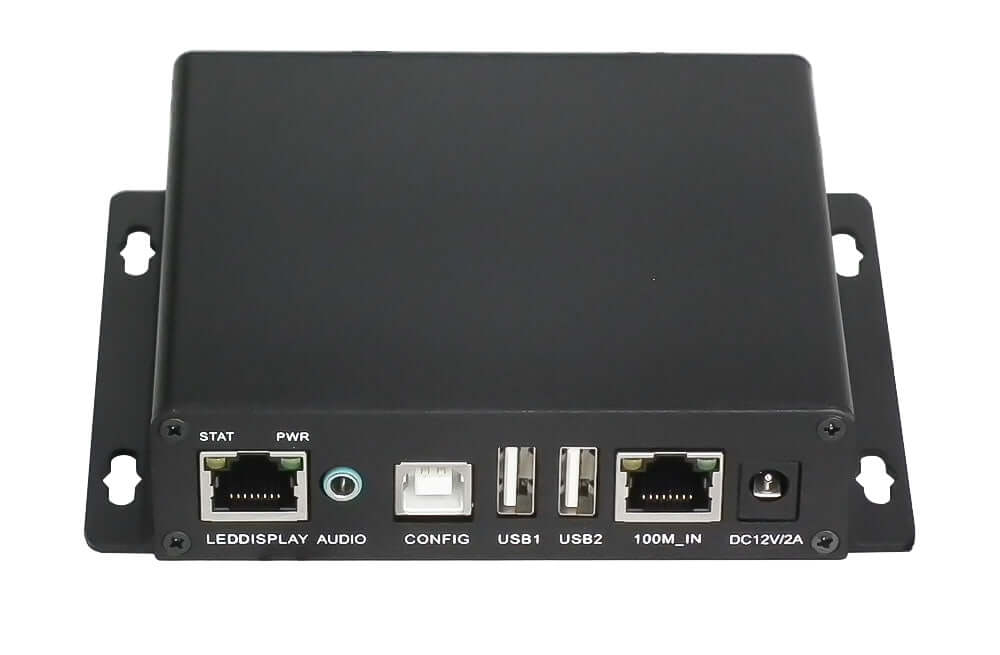
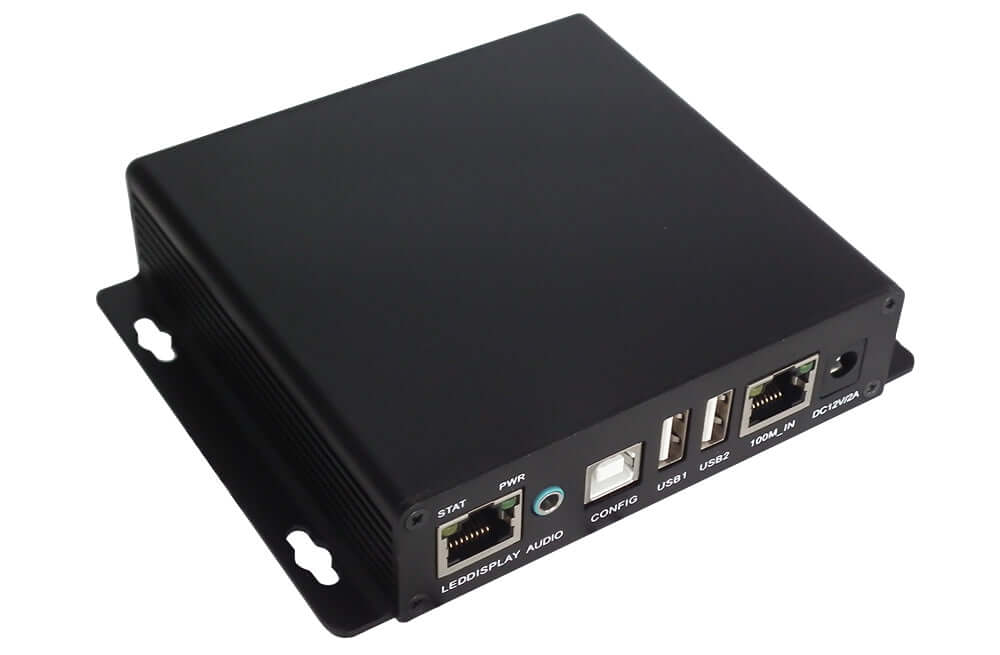
The Colorlight C3 manual separates the LED display output from the LAN connection used for management. Both use network-style connectors, so identify the printed port labels before reconnecting an existing installation.
| Port or indicator | Documented role |
|---|---|
| LED DISPLAY | Signal connection to the LED receiving card |
| CONFIG | USB connection to a PC for settings and content updates |
| USB1 / USB2 | USB-stick content update and playback |
| 100M_IN | LAN connection for management |
| AUDIO | Stereo audio output |
| STAT / PWR | Signal and power status indicators |
Verify the power requirement and polarity on the actual unit and its adapter. The archived manual’s power table and illustrated socket label differ, so its table alone should not be used to select a replacement adapter.
Updating an existing C3 with LEDVISION
The archived manual documents direct USB, Ethernet and USB-disk publishing. For direct USB setup, it instructs users to select Control → Screen Control → Play Box in LEDVISION before connecting the PC to the C3 CONFIG port with a standard USB A/B cable. Then use the program-publishing window to detect the player.
Program management includes choosing stored content, checking available memory, adjusting time, volume and brightness, and setting playback schedules. Save the existing program files and screen configuration before changing settings or replacing equipment.
The manual lists Windows 7, 8 and 10 and recommends LEDVISION 4.20 or later for its documented workflow. These are historical requirements; compatibility with a current operating system or software release must be checked separately.
Choosing a replacement for a discontinued C3
Provide the screen’s total width and height in pixels, receiving-card model, current program format and required update method. Also identify any audio, network or scheduling needs. A replacement must fit the complete display system; similar connectors do not establish a direct swap.
Browse the LED media player range as a starting point. Confirm compatibility and migration steps before changing the player, especially when retaining older receiving cards and configuration files.
Frequently asked questions
Is the Colorlight C3 still a current model?
No. This product is listed as discontinued. Confirm any replacement or legacy-unit availability with EagerLED before placing an order.
Does a computer have to stay connected during playback?
The C3 supports standalone playback of published programs. A compatible computer and LEDVISION are used for preparation, configuration and updates in the documented workflow.
Are LED DISPLAY and 100M_IN interchangeable?
No. LED DISPLAY connects to the receiving-card system; 100M_IN is the LAN management connection. Follow the labels and the manual’s connection diagram.
Which power adapter should I use for an existing C3?
Check the actual unit label, polarity and original adapter. The archived manual’s table says DC 5 V / 2 A, while its pictured socket is labelled DC 12 V / 2 A. This unresolved difference means the manual alone should not be used to select an adapter.
Where can I download the C3 manual?
Use the Colorlight C3 LED Video Player User Manual for the original setup, publishing and scheduling procedures. Retain a backup of your working configuration before maintenance.
| Weight | 0.8 kg |
|---|
Be the first to review “Colorlight C3 LED Video Player (Discontinued)”
You must be logged in to post a review.
Will I be charged with customs and taxes?
The prices displayed on our site are tax-free (in US Dollars), which means you may be required to pay import duties and taxes once you receive your order. Import taxes, duties, and related customs fees will be determined by your local customs office when your order arrives at its final destination.
Please note that these additional charges and taxes are your responsibility, and we do not take any responsibility for them. We are not liable for paying or reimbursing any customs duties, taxes, or related fees. For more details on these charges, please contact your local customs office.
Shipping
We can ship to virtually any address in the world. Note that there are restrictions on some products, and some products cannot be shipped to international destinations..
When you place an order, we will estimate shipping and delivery dates for you based on the availability of your items and the shipping options you choose. Depending on the shipping provider you choose, shipping date estimates may appear on the shipping quotes page.
Please also note that the shipping rates for many items we sell are weight-based. The weight of any such item can be found on its detail page. To reflect the policies of the shipping companies we use, all weights will be rounded up to the next full pound..
Returns Policy
You may return most new, unopened items within 30 days of delivery for a full refund. We'll also pay the return shipping costs if the return is a result of our error (you received an incorrect or defective item, etc.)..
You should expect to receive your refund within four weeks of giving your package to the return shipper, however, in many cases you will receive a refund more quickly. This time period includes the transit time for us to receive your return from the shipper (5 to 10 business days), the time it takes us to process your return once we receive it (3 to 5 business days), and the time it takes your bank to process our refund request (5 to 10 business days).
If you need to return an item, simply login to your account, view the order using the "Complete Orders" link under the My Account menu and click the Return Item(s) button. We'll notify you via e-mail of your refund once we've received and processed the returned item..
Related products
Reviews
There are no reviews yet.