
Eager-LED Academy
NovaStar TB40 4G/5G: Is a SIM Card Enough?
Oct
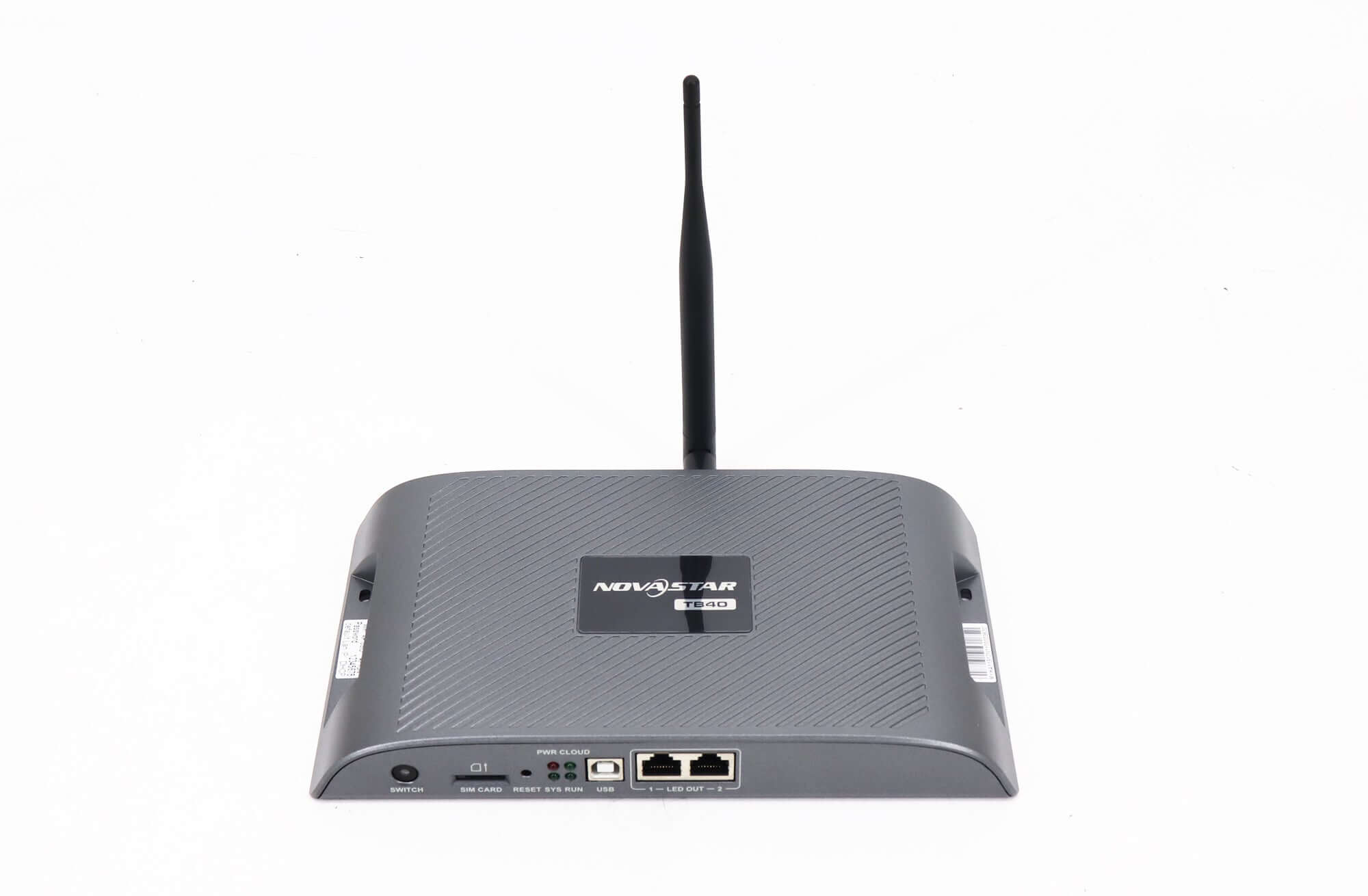
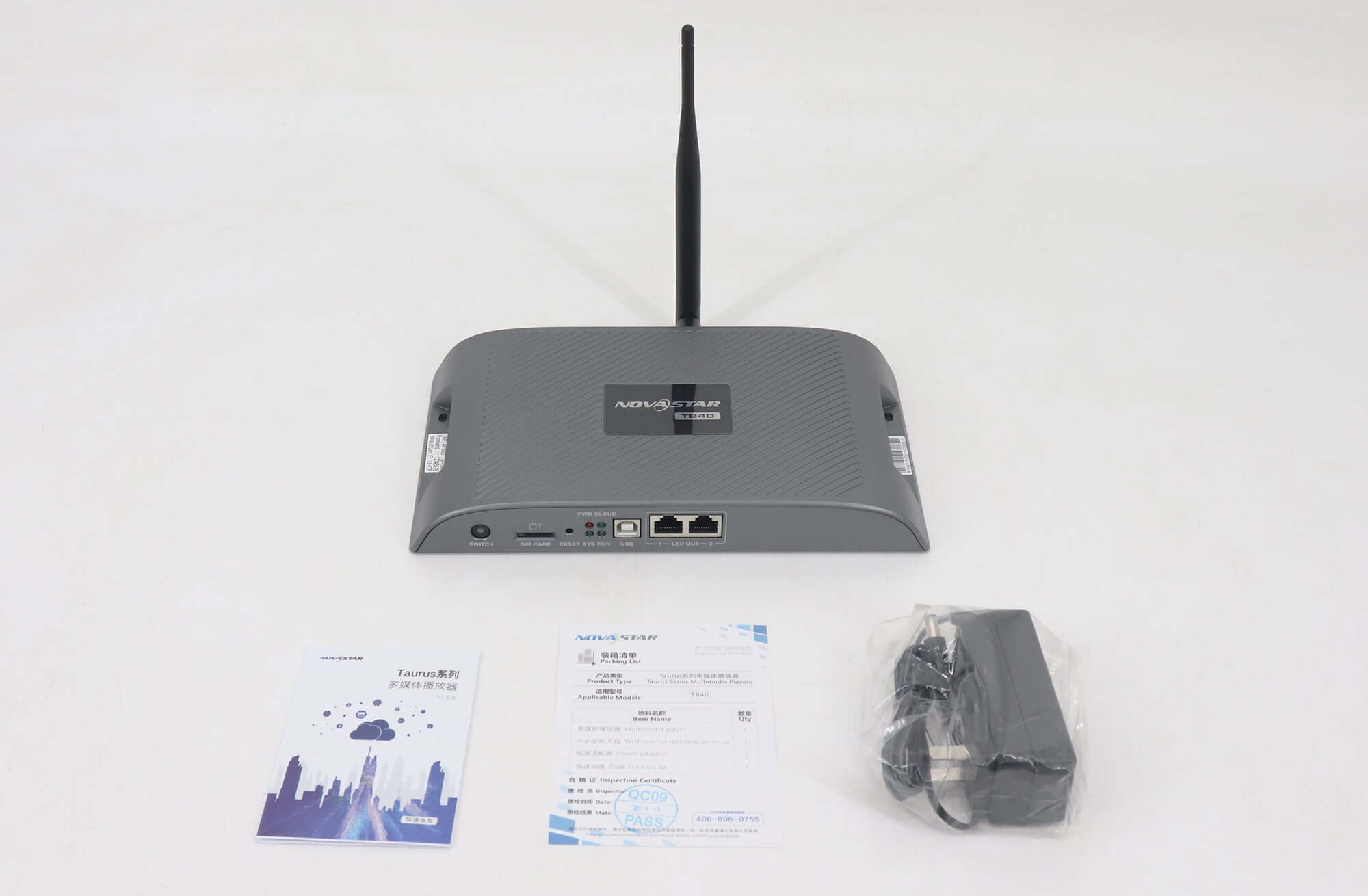
No. A SIM card alone does not make a NovaStar TB40 cellular-ready. You also need a supported, installed cellular module, the correct antenna arrangement, a suitable carrier service and a verified configuration. NovaStar’s TB40 Specifications V1.2.1 says the standard device ships without its optional 4G/5G module. A reseller may offer a bundle, so confirm what your quotation actually includes.
Before ordering: obtain written confirmation of the TB40 revision, cellular-module part number, destination country and carrier, antenna, SIM requirements and installed firmware. A photograph of the SIM slot or the words “4G supported” cannot establish all of these.
Contents — expanded · Hide contents— collapsed · Show contents
1. Check whether the cellular module is included
Separate three items in the order: the TB40 player, its cellular hardware and the mobile data service. A SIM supplies access to a carrier subscription; it does not supply the radio hardware missing from the player. Conversely, an installed module does not mean an active SIM or data plan is included.
For a new unit, ask the seller to identify the module and state whether it is supplied separately or installed before dispatch. For an existing unit, provide the player’s model label, serial number and software-version information so the supplier can identify the supported option. Request confirmation before buying a loose module advertised only as “for Taurus.”
Record who will install and configure the module, who supplies the SIM and who owns the carrier account. This prevents a quotation for a bare player from being mistaken for a commissioned remote-signage system.
2. Match the module, carrier and antenna
The player’s model name is only the start of a cellular purchasing decision. Ask for evidence covering the proposed radio module and the network used at the installation site.
2.1 Verify the destination and module part number
Give the supplier the destination country and intended carrier. Request the exact module part number, supported radio technologies and frequency bands, then have the carrier confirm whether that device and service combination can be used. Do not infer worldwide compatibility from a generic “4G” or “5G” label.
For a rollout across countries, keep a separate approved configuration for each destination. A successful demonstration on the seller’s network is useful evidence of operation there; it is not an acceptance test on your carrier. This article does not certify any particular module, carrier or band combination.
2.2 Confirm the SIM service and APN
Ask the carrier whether the intended subscription supports the proposed connected-device use. Confirm activation, data allowance, access point name (APN), any required authentication, roaming conditions and account ownership. An APN is the carrier’s network-access configuration; obtain its values from the service provider rather than copying another customer’s settings.
Plan who can renew the subscription and investigate a disconnected player. A valid hardware order can still leave a screen without remote access when the SIM is inactive, the service is unsuitable or the account is controlled by someone unavailable during maintenance.
2.3 Specify the antenna and installation position
Ask for the antenna and cable assembly approved for the exact module and player revision. A fitted Wi-Fi antenna is not evidence that the cellular antenna requirement has been met. Have the installer confirm its connector, mounting position and any enclosure restrictions before dispatch.
Test at the actual installed position, especially when the player sits inside a metal cabinet. Carrier coverage shown for an area is a starting point; the installation’s observed connection is the relevant acceptance evidence.
Back to contents ↑3. Confirm the network behaviour for your firmware
In NovaStar’s TB40 specification V1.2.1, firmware earlier than V4.5.0 uses the priority wired network, then Wi-Fi, then cellular. The document says the networks coexist on V4.5.0 or later. Coexistence is not a promise of uninterrupted failover.
Record the installed version and ask how the proposed management connection behaves when another network is connected or removed. Do not diagnose a cellular failure only from a successful upload while Ethernet remains connected. A local Wi-Fi hotspot connection also does not, by itself, demonstrate a working cellular Internet path.
Keep LED OUT cabling and the management network distinct in the commissioning drawing. Use the player’s approved instructions and supplier support for network changes. A firmware upgrade should have a confirmed model match and recovery plan; it is not a substitute for checking the module and service.
Back to contents ↑4. Require a cellular acceptance check
Agree on an acceptance procedure before shipment or site commissioning. The following is a proposed purchasing checklist, not a claim that EagerLED has tested your installation:
- Identify the assembly. Record the player serial number, installed module, firmware and antenna arrangement.
- Confirm the service. Check the carrier account is active and use the carrier’s approved SIM and network settings.
- Isolate the intended path. Have the commissioning technician demonstrate the cellular route without relying on an available wired or Wi-Fi Internet connection.
- Demonstrate the required operation. Publish representative content through the intended management platform and confirm that this particular player receives and plays the update.
- Check recovery. Agree on a controlled power-restart and connection-recovery test, and record its result.
- Hand over ownership. Deliver the final configuration, support contact and subscription responsibilities to the buyer.
Use the real content-update workflow in that test. Seeing a network indicator change is less useful than confirming that the required update reaches the intended screen. Test results belong to the exact module, service, firmware and location tested.
Back to contents ↑5. Use a complete procurement checklist
| Quotation line | Information to confirm |
|---|---|
| TB40 player | Quantity, supplied revision, availability and installed firmware |
| Cellular module | Exact part number; separate or pre-installed; supported player revision |
| Destination network | Country, carrier, module bands and carrier acceptance |
| Antenna assembly | Approved antenna, connector, cable and mounting plan |
| SIM and subscription | Supplier, activation, APN, data allowance, roaming and renewal owner |
| Remote management | Required platform, account owner, access requirements and any quoted service charges |
| Acceptance and support | Cellular-only demonstration, restart result, configuration handover and support scope |
Compare quotations using the completed system scope. A lower bare-player price cannot be compared fairly with a bundle that includes a module, antenna and commissioning. Obtain current pricing and availability rather than treating a historical listing as a confirmed offer.
Back to contents ↑6. Resolve common buying questions
Does the SIM slot prove the modem is installed? No. Confirm the installed module through the seller’s assembly record or supported inspection process.
Can any 4G/5G module be fitted? Do not assume this. Obtain a part-number match for the TB40 revision and confirm the destination network.
Must every TB40 use cellular service? No. Choose the management connection against the site’s available network and operating needs. Cellular hardware is relevant when your agreed deployment needs it.
Request a cellular-ready configuration check. Send the destination country, carrier, TB40 revision or existing serial number, firmware version, installation position and required remote-update workflow. Include whether you need a bare player, installed module or complete commissioned bundle.
Review the TB40 product listing as a starting point and confirm current availability with the team.
Request a TB40 configuration checkDiscuss the required module