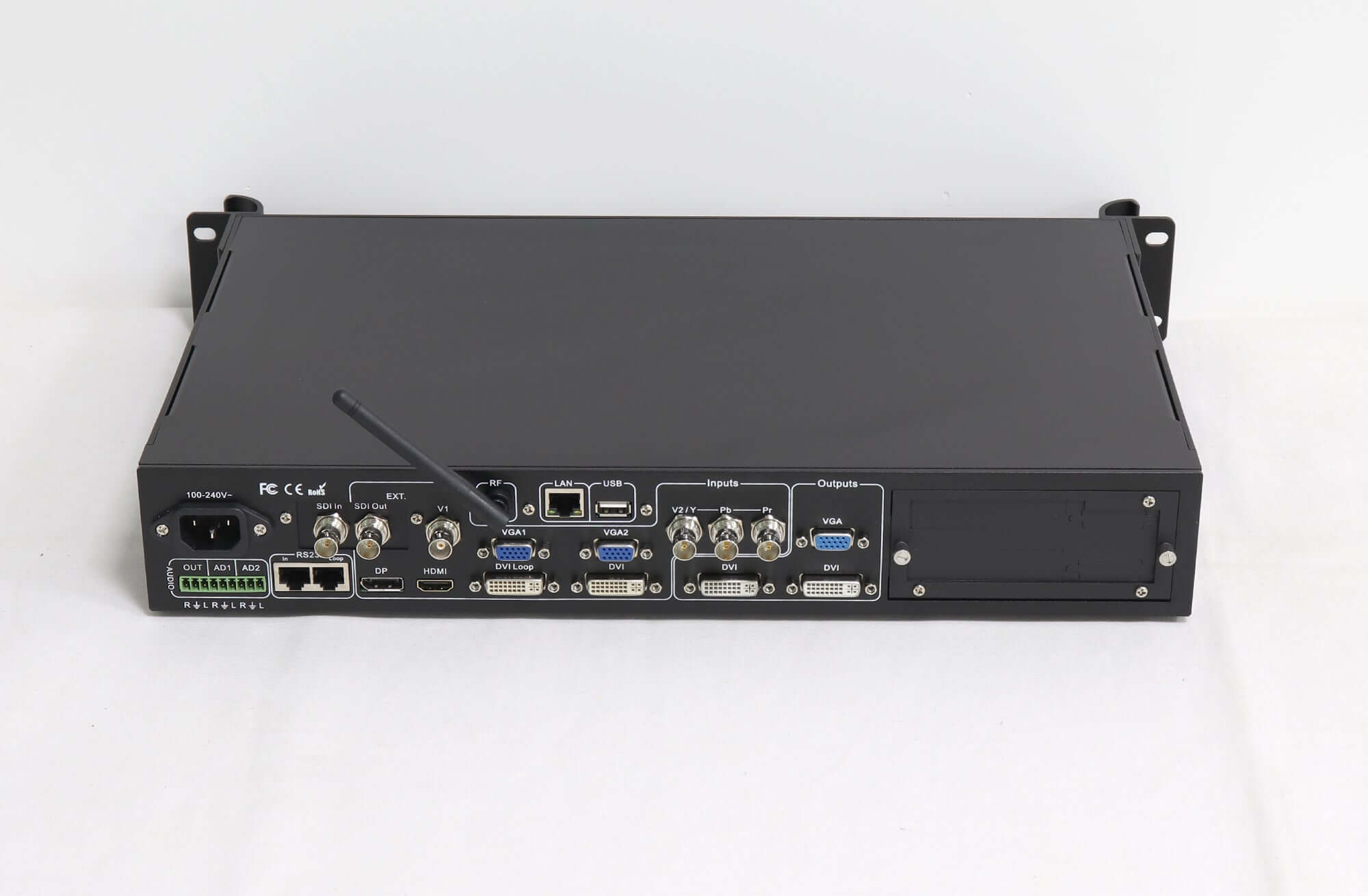
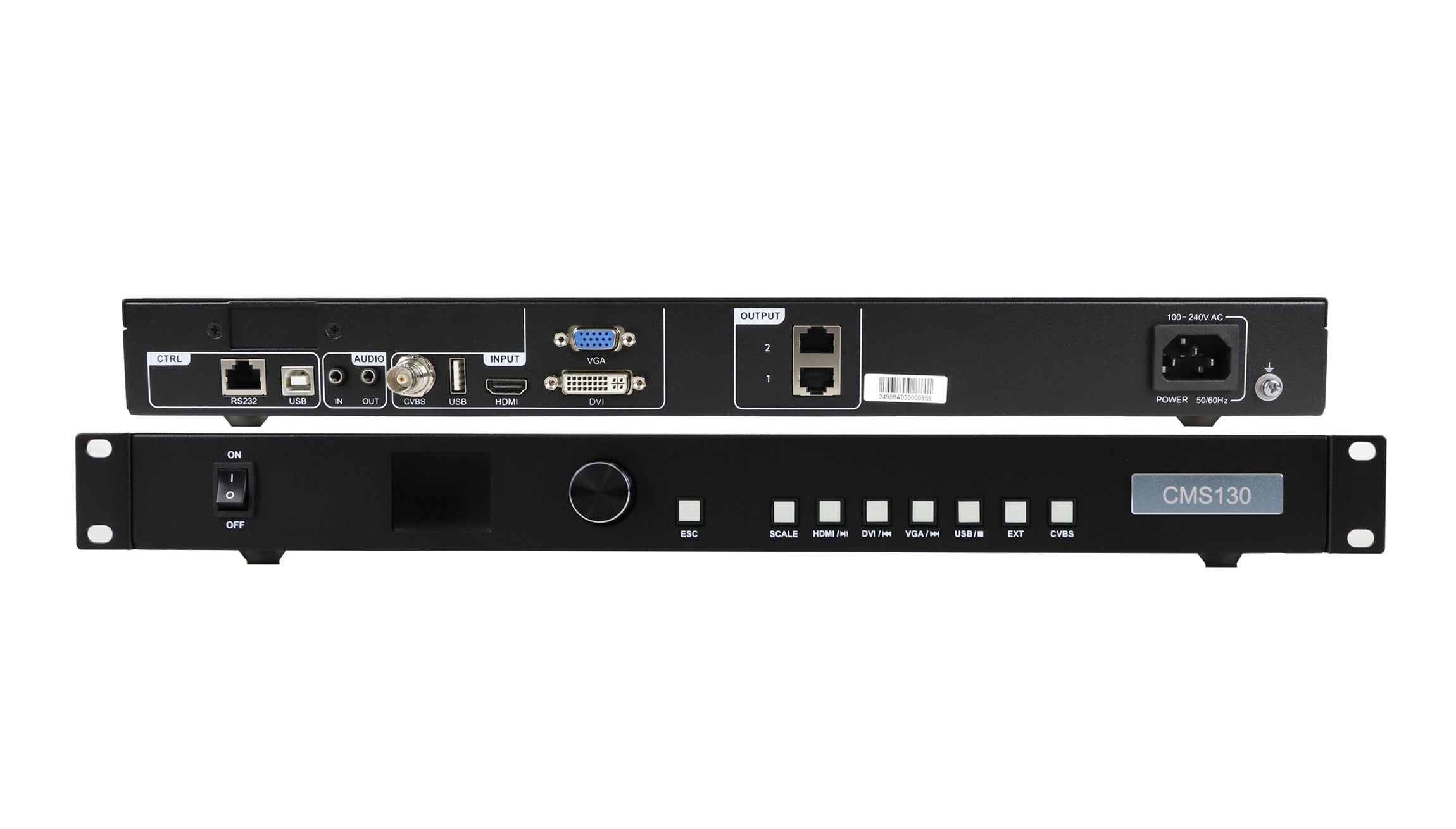
The picture is up on the LED wall, but the room is silent. If your drawing uses the NovaStar CMS130 audio output, follow that connection to the room’s audio equipment. The two LED Ethernet outputs go to the receiving cards. The CMS130 specification lists a separate audio input and output, so the sound needs its […]
Author Archives: marketing@eagerled.com
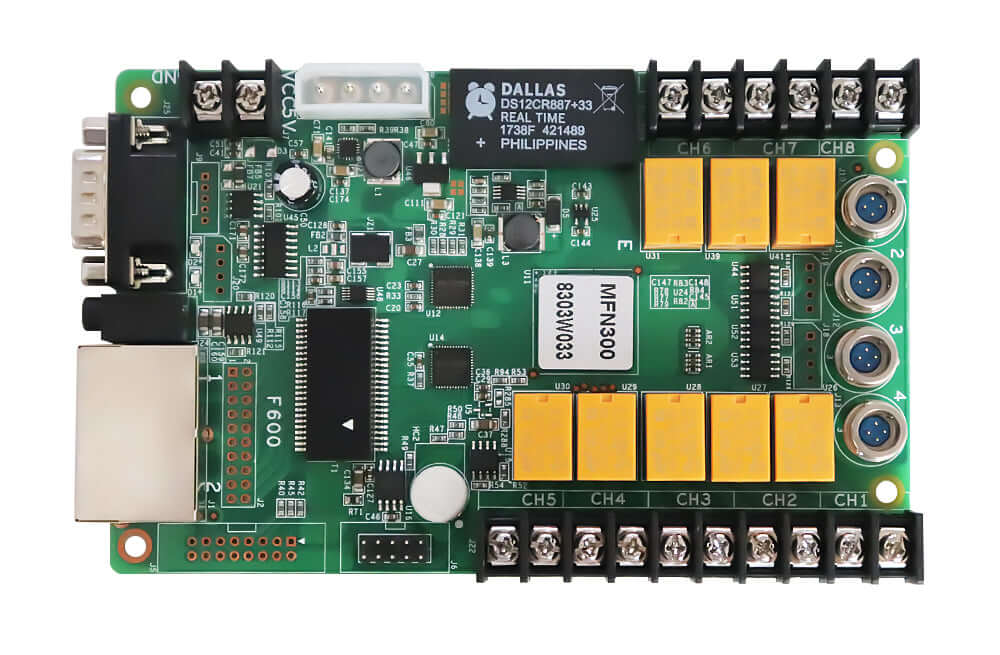
For MFN300 placement in a NovaStar receiving-card chain, the manufacturer’s V2.1.4 specification shows three positions: before the first receiving card, between two receiving cards, or after the last receiving card. Put the card where the technician can reach it and its peripherals, then check that the choice matches the actual Ethernet route and control configuration. […]
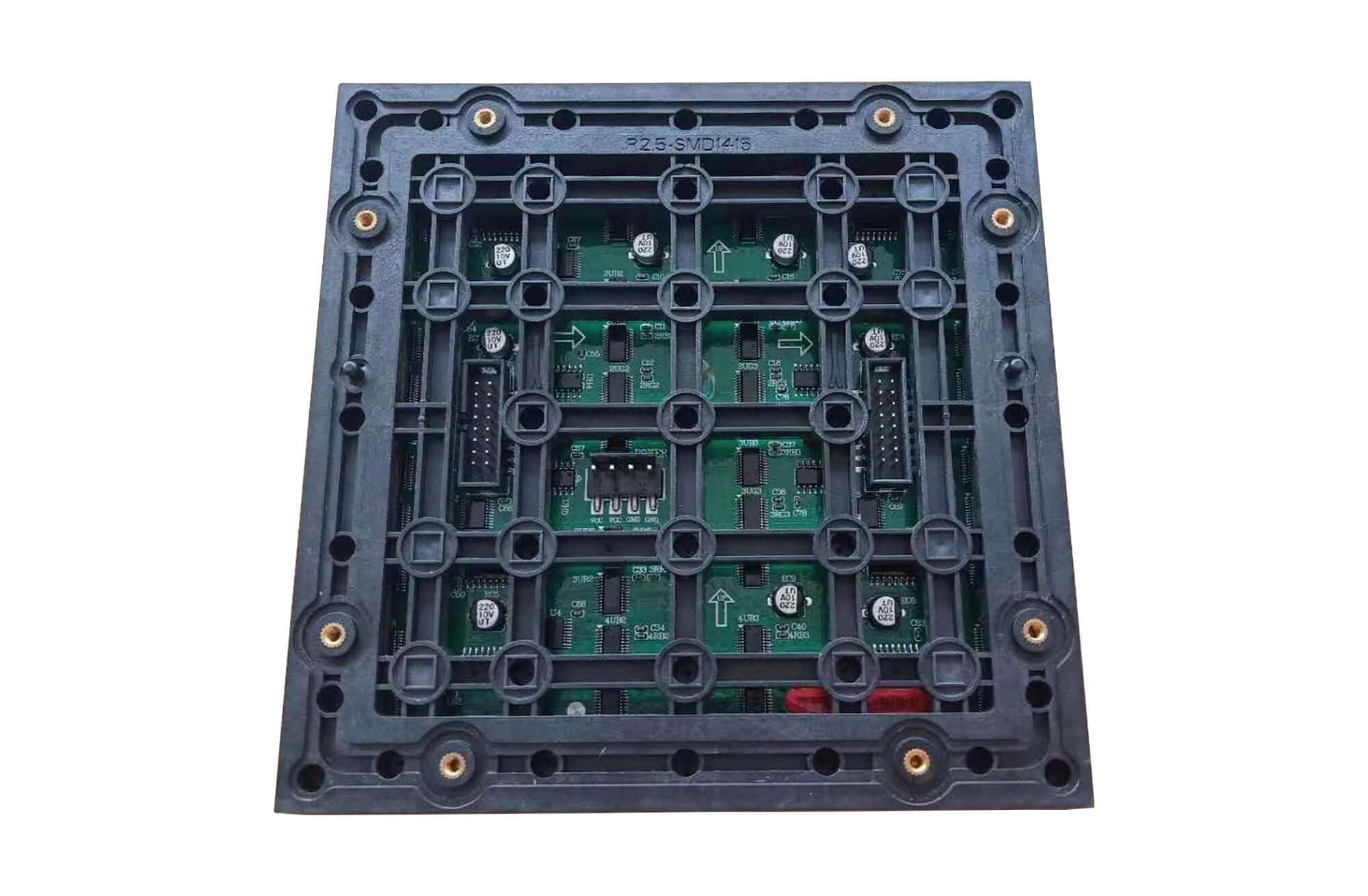
For a new display, use the listed P2.5 module depth of 25 mm as one input to the cabinet drawing. It does not tell you how much room the assembled cabinet needs. Ask for a section drawing that shows the module, its mounting face, the installed connectors and the space needed to remove it through […]
LVP615S USB control is a way for a computer to communicate with the processor. The linked LVP615S V1.0 manual identifies USB as a communication port, separately from the video inputs. Do not plan to send a laptop picture through that socket or assume it can play files from a USB flash drive. A supported video […]
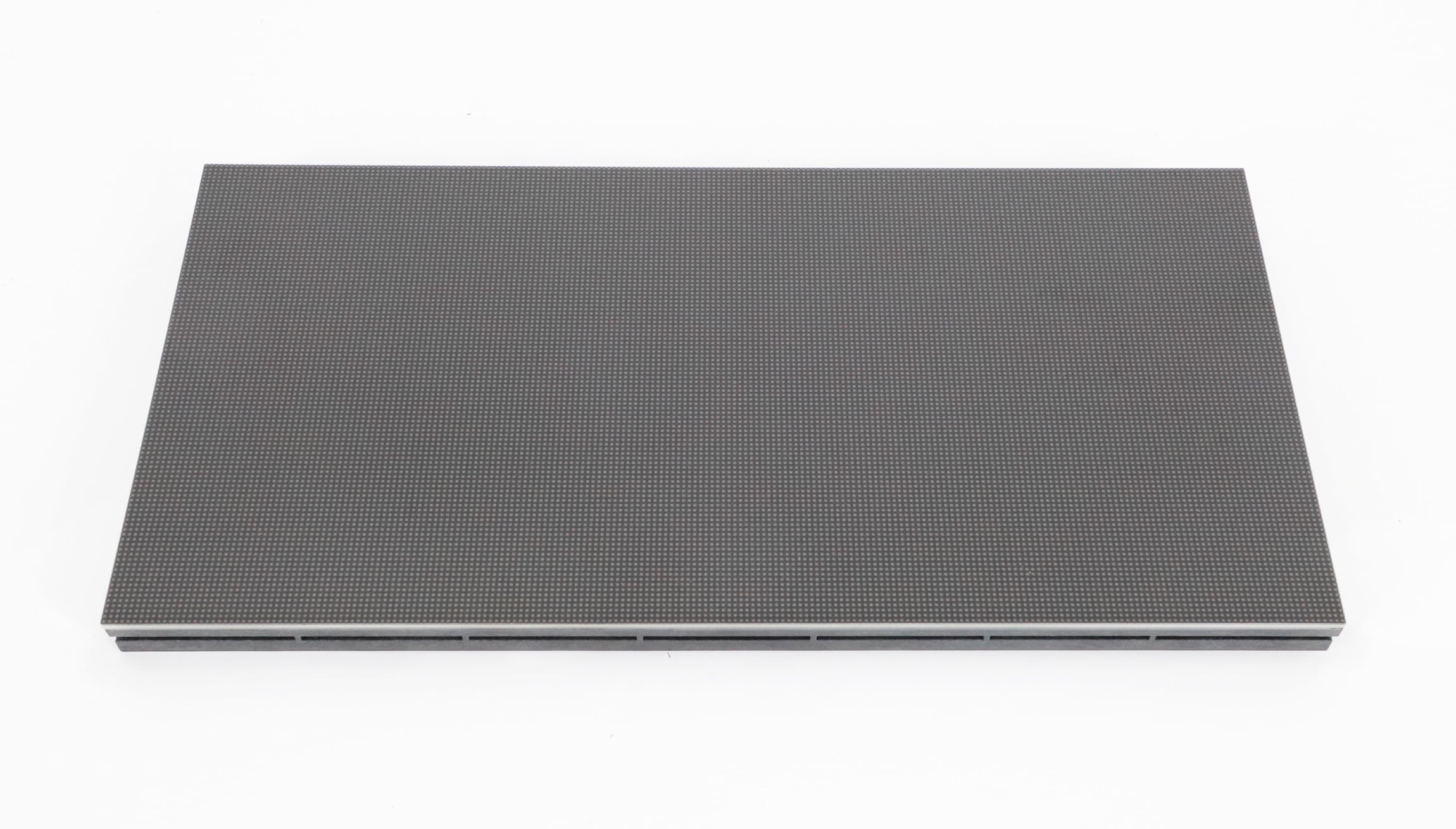
Use the specified pixel grid to calculate P1.53 module resolution. Do not divide the module width by the rounded pitch label and round the answer into a new pixel count. The EagerLED model P1.53-HD26S-SMD1010-208×104 is documented as 208 × 104 pixels in a 320 × 160 mm module. That explicit grid is the starting point […]
A CVT10-S fiber connection requires the specified single-mode optical path and compatible equipment at both ends. An LC plug that fits is only one check. Before reusing installed fiber, identify its class, both optical modules, the complete route and the sending device. Do not approve the order from cable color or distance alone. This article […]
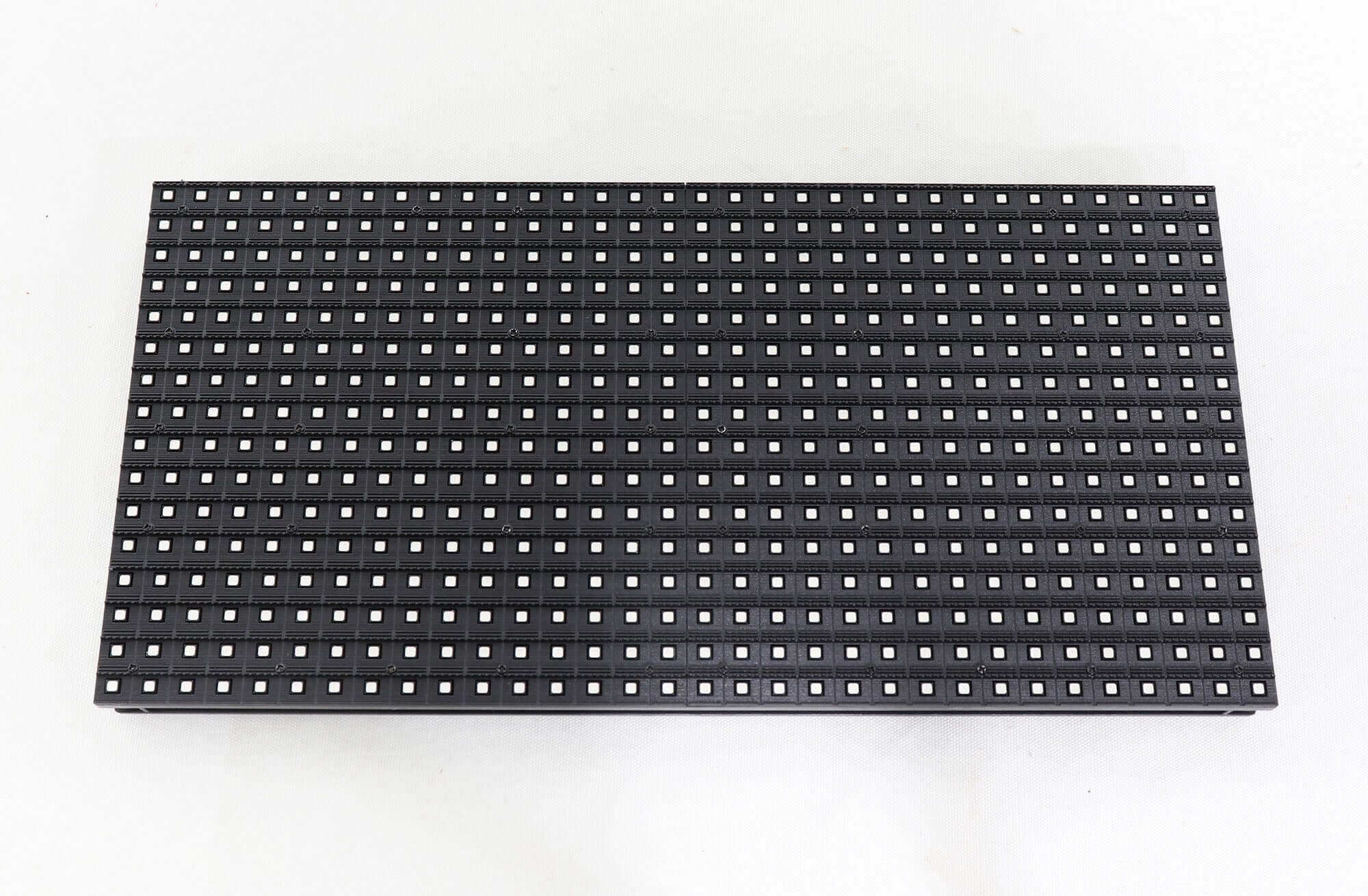
Plan a P10 module batch for a new screen with complete quantities, supply identification, receiving checks and a documented display acceptance process.
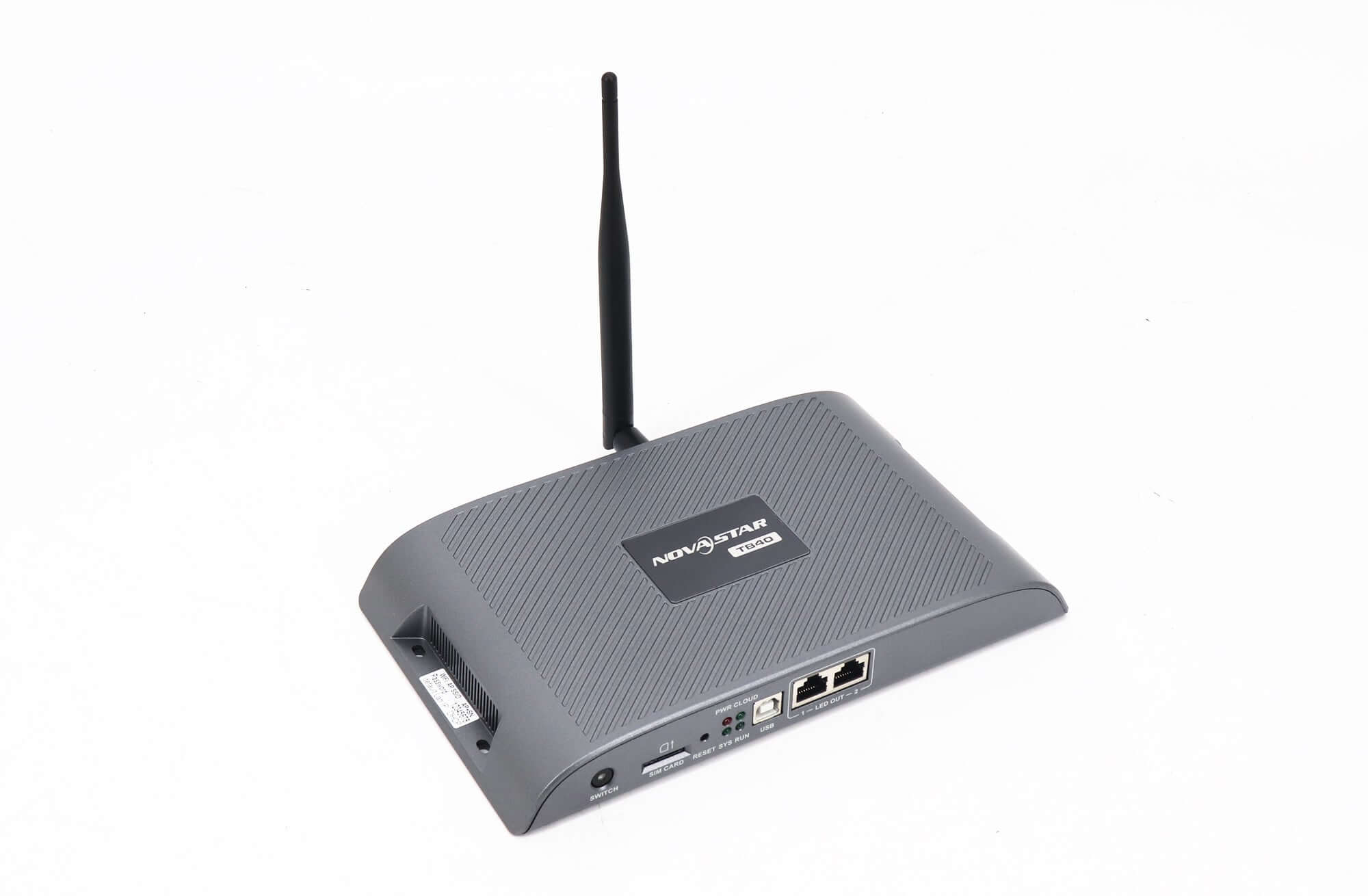
Troubleshoot TB40 USB playback by separating drive format, file size, program publishing and source selection before ordering another player.
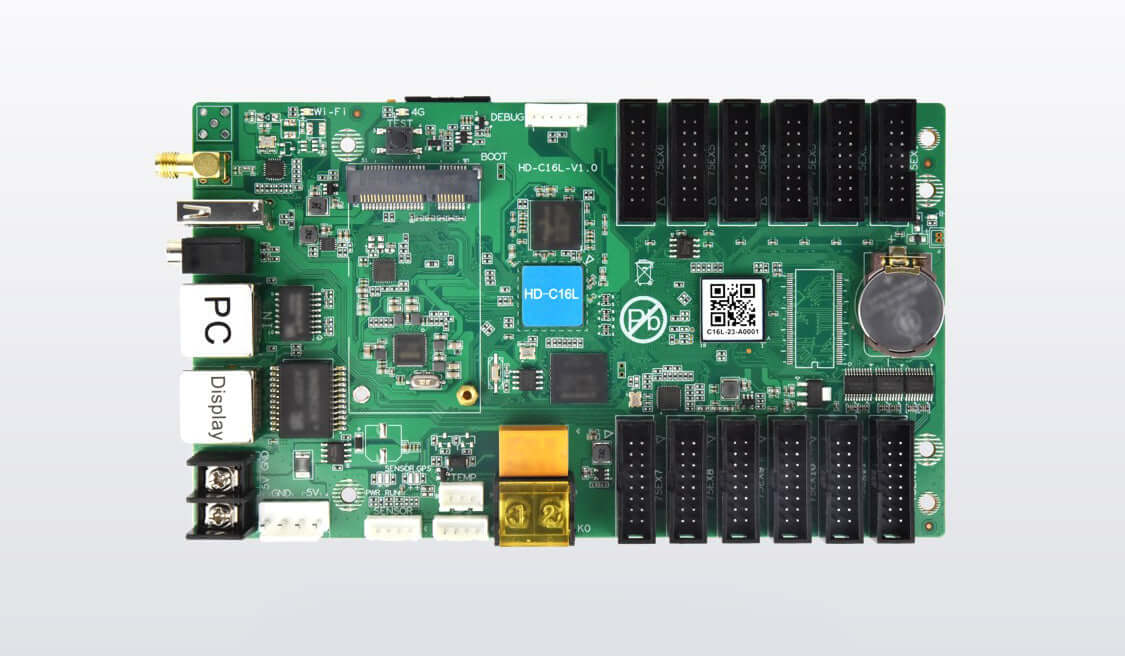
Plan an HD-C16L replacement with existing LED modules. Check direct or cascaded loading, module identity, cabinet fit and the files needed before ordering.
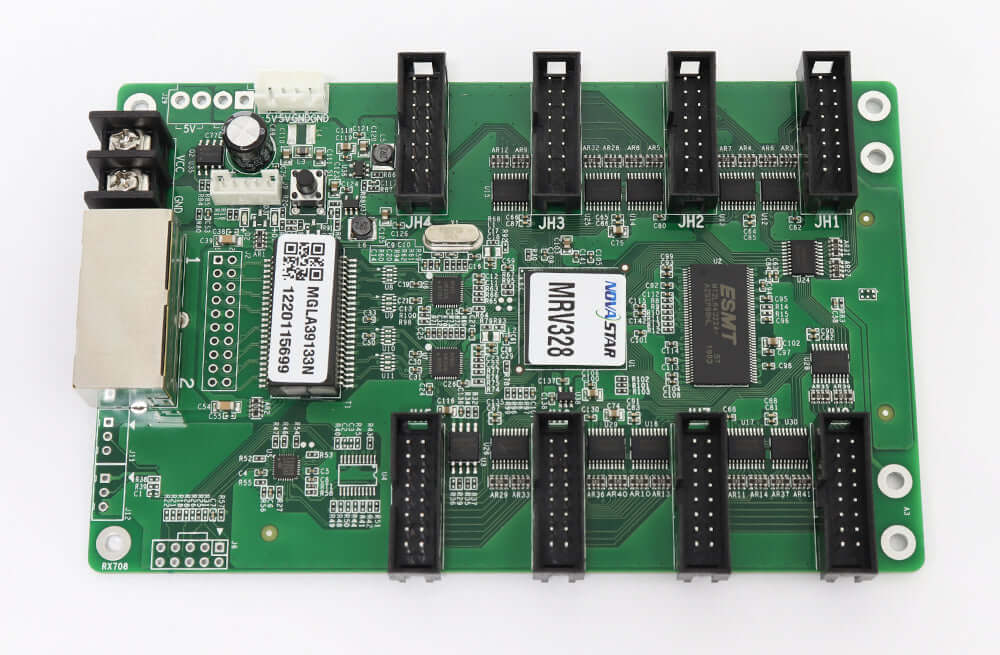
A receiving card backup for a NovaStar MRV328 should connect the saved configuration to a specific physical cabinet. Keep the readback file, the installed hardware and software versions, a cabinet location map, and photographs of the module connections. Identify any firmware and calibration records separately. A folder labeled only “screen settings” gives the next technician […]