
EagerLED Academy
Magnimage Video Processor Guide: LED-550D, 780H, W2000, W4000 and MIG-F4 Compared
Nov
A Magnimage video processor sits between your video sources and the LED sending equipment. It switches, scales and splices sources, then sends the result over DVI or HDMI to the sending cards or boxes that drive the LED wall. Choose the model by three things: how many output groups the wall needs, which source formats must run at 4K 60 Hz, and how many layers or windows the show uses. Pixel capacity on these units is a planning figure, not a substitute for checking the output map.
This guide is for rental and staging companies and AV integrators who need to splice several sending devices into one image, or to bring 4K and multiple sources into an LED wall. It compares the Magnimage models we stock, from the LED-550D series to the LED-W4000, using the specifications on our product pages. Several of those pages quote the manufacturer brochure or manual version, and we keep those conditions in the text.
One point runs through every model: a “4K” label does not mean 3840 x 2160 at 60 Hz on every input. On several units, standard DP inputs accept 4K only at 30 Hz, and 4K at 60 Hz needs a specific expansion module.
1. What a Magnimage video processor does
An LED wall needs two jobs done before the image reaches the cabinets. The video processor prepares the picture: it selects sources, scales them to the wall’s resolution, places windows and switches between inputs. The sending equipment then turns that picture into data for the receiving cards. A Magnimage video processor does the first job and hands its output to separate sending cards or boxes over DVI or HDMI.
01. Processor versus all-in-one controller
All-in-one controllers combine both jobs in one unit. Our NovaStar VX Pro comparison covers that approach. A separate Magnimage video processor makes sense when the wall needs more sending capacity than one all-in-one unit provides, when you want to keep existing sending boxes, or when the show needs the splicing, tiling and switching features of a dedicated processor. The trade-off is one more device in the chain and more cabling to plan.
02. What “splicing” means here
Splicing, also called mosaic, means one processor drives several output groups that together form one continuous picture. Each output group feeds its own sending device, and the processor keeps the parts aligned and synchronized. For example, four output groups can form a 2 x 2 mosaic or a wide horizontal strip, as the LED-W2000 page describes.
03. Where it sits in a typical rig
In a typical rental rig, cameras, laptops and a media server connect to the inputs of the Magnimage video processor. The operator selects and arranges sources on its front panel or control software. Its output groups connect to the sending boxes, and the sending boxes connect to the cabinets over network cable. A second processor or the backup outputs can feed a parallel sending chain for redundancy. Because the processor is the point where all sources meet, its input formats and output layout decide what the show can do.
2. Magnimage models compared
The table summarizes each Magnimage video processor in our catalog by the specifications our product pages list. Where a page gives no figure, the cell says so.
| Model | Outputs | Listed capacity or output limit | Main standard inputs | Notes from the product page |
|---|---|---|---|---|
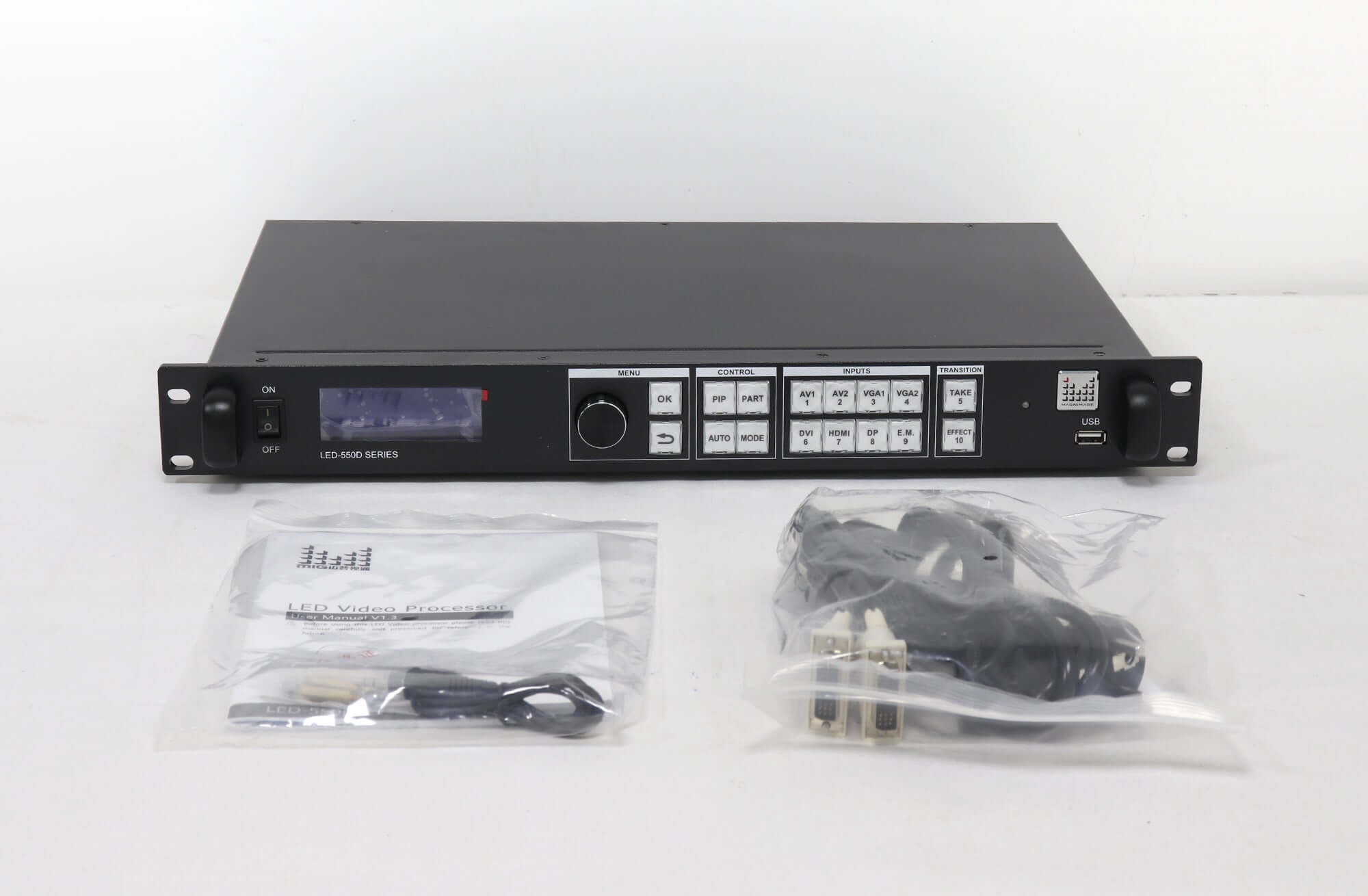
| LED-550D / LED-550DS | 2 DVI | Single-unit output up to 2560 x 816, 2304 x 1152 or 1536 x 1536 at 60 Hz; custom width up to 3,840, height up to 1,920 pixels | 2 AV, 2 VGA, 1 DVI, 1 HDMI 1.3; 3G-SDI marked as an option | 16 switching effects, hot backup, dual picture; 25 W |
| LED-750H | 4 DVI in 2 groups | Up to 4,600,000 pixels per processor | Not fully listed on our page | Two-screen mosaic; four windows in non-mosaic mode |
| LED-760H | 4 outputs | Not stated on our page | Up to 8 inputs | Works as an 8 x 4 matrix; 4 layers per output in non-splicing mode; multi-unit cascade |
| LED-780H | 8 DVI in 4 groups (A output plus B backup) | Up to 8 million pixels across the processor (brochure) | 2 DVI, 2 HDMI 1.3, 1 DP, 1 SDI with loop | DP 3840 x 1080 at 60 Hz or 3840 x 2160 at 30 Hz (manual V1.2) |
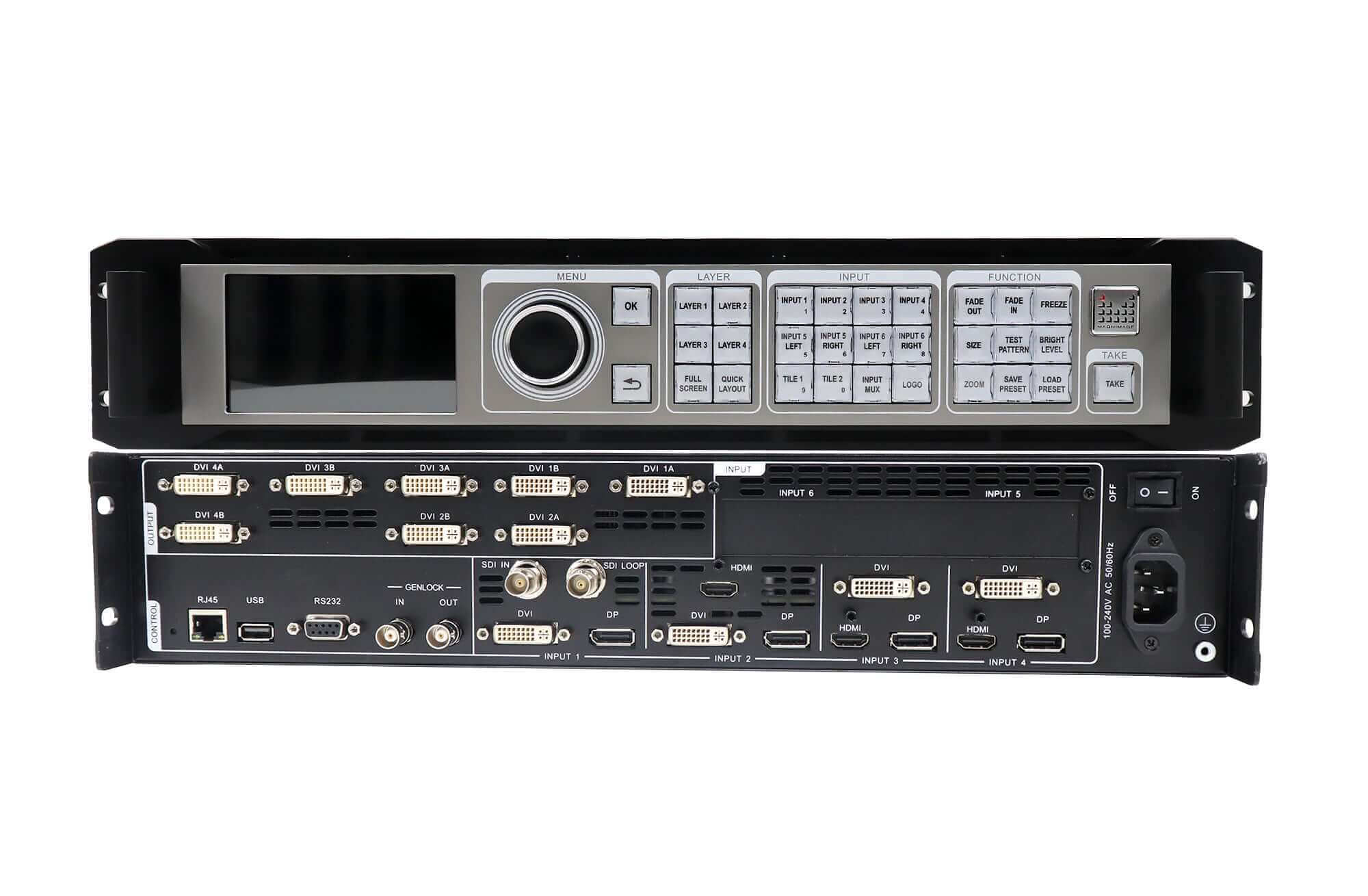
| LED-W2000 | 8 DVI in 4 paired groups | Layouts shown up to 4096 x 2160 and 7680 x 1080 | 4 DVI, 4 DP, 3 HDMI, 1 SDI in 4 input groups | 4 layers, Input Tile, hot backup, Genlock; 90 W; optional 4K modules |
| LED-W4000 | 2 groups, each 4 DVI plus 2 HDMI 2.0 | 8K x 2K at 60 Hz in mosaic mode | 4 DVI, 4 DP, 3 HDMI, 1 SDI | Mosaic, HDMI switcher and backup modes; HDR10, 10-bit; 20 presets; 90 W |
| MIG-F4 | 4 DVI or 4 HDMI | Single-unit four-way splicing | 2 DP, 2 HDMI | Single input up to 4K x 2K at 60 Hz 4:4:4; 8K x 1K at 60 Hz input |
The models fall into three groups, described below.
01. Entry level: the LED-550D series
The LED-550D series is a compact switcher-scaler for a single LED wall at moderate resolution. Its page lists two AV, two VGA, one DVI and one HDMI 1.3 input, with 3G-SDI on the LED-550DS, and a maximum single-unit output such as 2560 x 816 or 1536 x 1536 at 60 Hz. It suits conference rooms, small stages and fixed signage where sources are mostly 1080p or lower. At 25 W listed consumption and a depth of 288 mm (11.3 in), it is also the easiest Magnimage video processor to fit into a small rack.
02. Multi-output splicing: LED-750H, LED-760H and LED-780H
These three add multiple output groups for splicing larger walls. The LED-750H splits four DVI outputs into two groups and lists up to 4.6 million pixels. The LED-760H lists four outputs that can splice one image or show four independent screens, and can work as an 8 x 4 matrix. The LED-780H lists four output groups with backup connectors and up to 8 million pixels across the processor. Choose among them by how many regions the wall has and whether each region needs a backup output.
03. High end: LED-W2000, LED-W4000 and MIG-F4
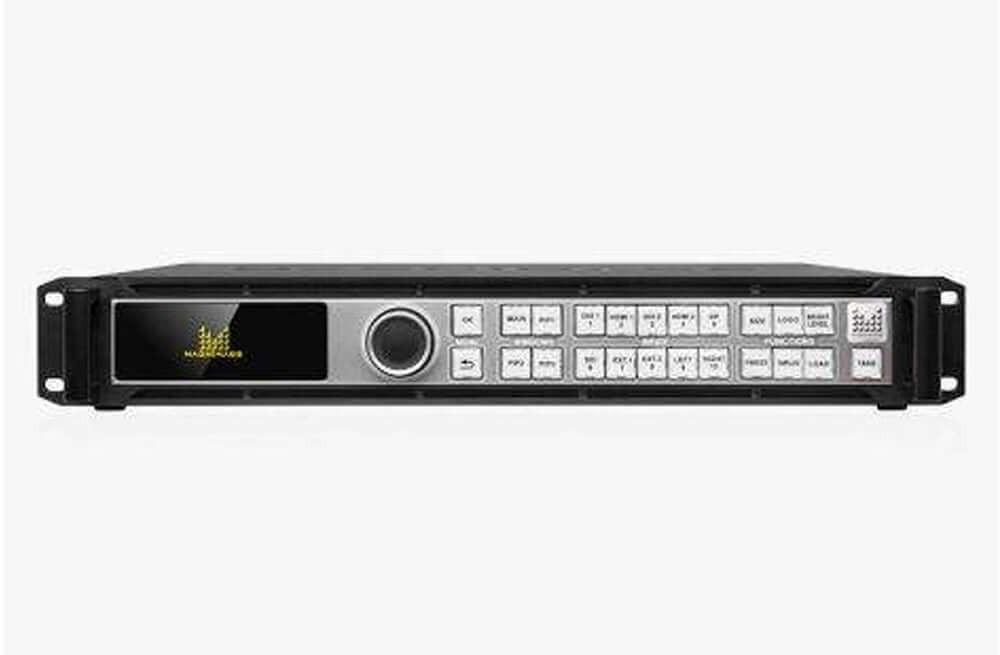
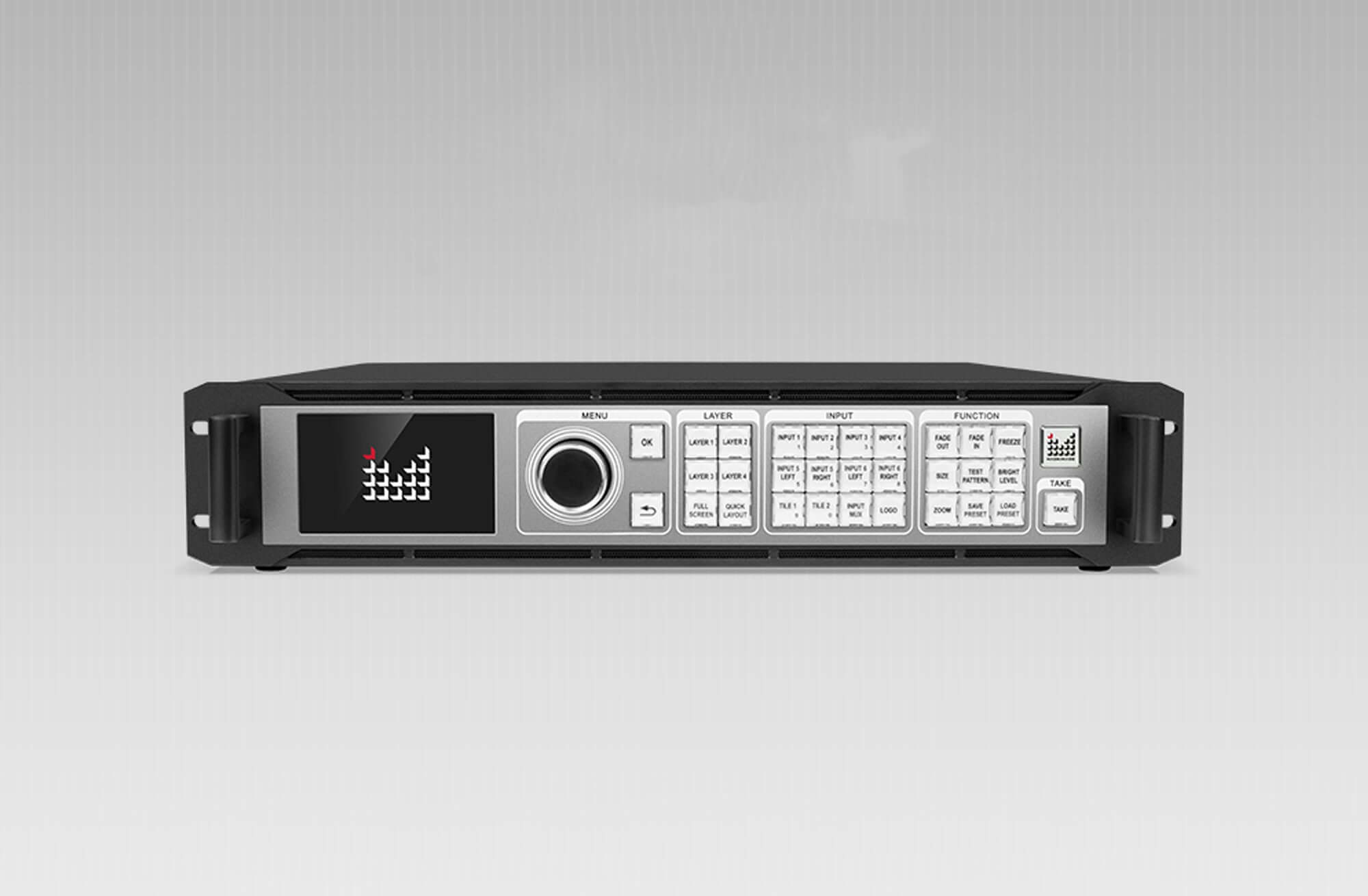
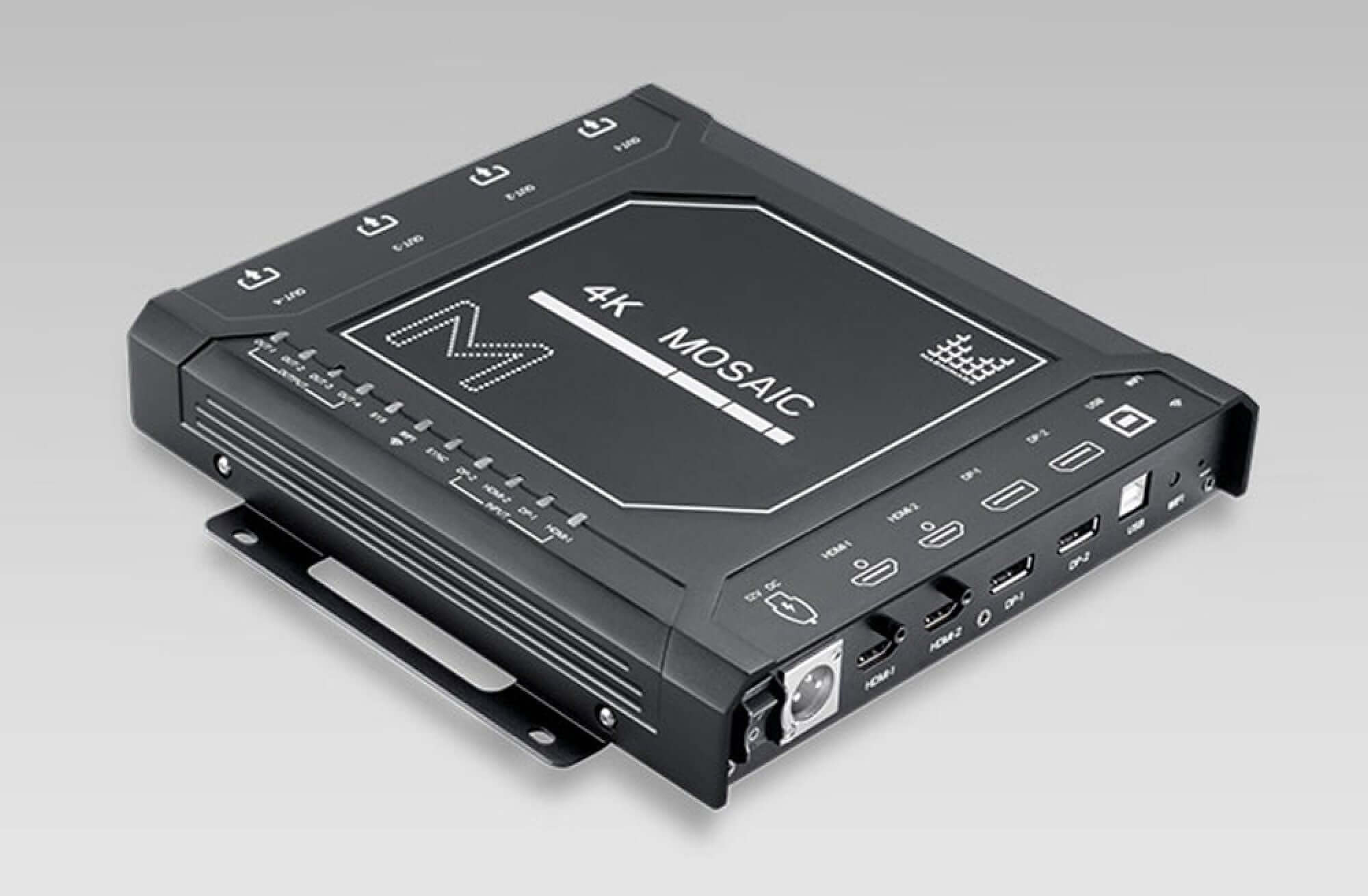
The LED-W2000 and LED-W4000 are the high-end units with 4K expansion inputs, layers, Input Tile and Genlock. The LED-W4000 adds HDMI 2.0 outputs, HDR10 and 10-bit processing, and an 8K x 2K mosaic mode. The MIG-F4 is a small box for four-way splicing of 4K sources when a full rack-mount Magnimage video processor is more than the job needs.
3. 4K inputs and expansion modules
Source format is where most Magnimage video processor orders go wrong. Several product pages say plainly that a 4K label does not guarantee 3840 x 2160 at 60 Hz on every connector.
01. Standard inputs on the W2000 and W4000
On the LED-W2000 and LED-W4000, the standard DVI and HDMI inputs accept 3840 x 1080 at 60 Hz. The standard DP inputs accept 3840 x 1080 at 60 Hz or 3840 x 2160 at 30 Hz. A true 4K 60 Hz source, such as a media server at 3840 x 2160 at 60 Hz, therefore needs an expansion module.
02. The 4K expansion modules
The LED-W2000 page describes an optional 4K module with one DP 1.2 input and one HDMI 2.0 input; you select one of the two. The DP 1.2 input accepts 4096 x 2160 or 7680 x 1080 at 60 Hz, and the HDMI 2.0 input accepts 3840 x 2160 at 60 Hz with an HDMI loop output. The base LED-W2000 has no module, the LED-W2000-DH has one and the LED-W2000-2DH has two. The LED-W4000 page lists the same two expansion inputs per group, with a maximum of two groups.
03. The LED-780H and its boards
For the LED-780H, the page follows the user manual V1.2: the standard DP input runs at 3840 x 1080 at 60 Hz or 3840 x 2160 at 30 Hz. The optional HDMI 1.4 and DP 1.1 boards, described in a Magnimage technical bulletin dated August 10, 2017, list the same 3840 x 1080 at 60 Hz or 3840 x 2160 at 30 Hz timings. Each board has two connectors, but only one is active at a time.
| Model and connector | 4K 30 Hz | 4K 60 Hz | Condition |
|---|---|---|---|
| W2000 / W4000 standard DP | Yes (3840 x 2160) | No | 3840 x 1080 at 60 Hz also listed |
| W2000 / W4000 standard DVI and HDMI | Not listed | No | 3840 x 1080 at 60 Hz |
| W2000 4K module or W4000 expansion, DP 1.2 | Yes | Yes (4096 x 2160) | Also 7680 x 1080 at 60 Hz; module required |
| W2000 4K module or W4000 expansion, HDMI 2.0 | Yes | Yes (3840 x 2160) | Module required |
| LED-780H standard DP | Yes (3840 x 2160) | No | Manual V1.2 |
| LED-780H HDMI 1.4 or DP 1.1 board | Yes (3840 x 2160) | No | Technical bulletin, August 10, 2017 |
| MIG-F4 DP and HDMI | Yes | Yes (4K x 2K, 4:4:4) | Per single input, as listed |
04. Check every source before you choose
Make a list of every source the show will use, with its connector, resolution and frame rate, and compare it with Table 2. A laptop at 1920 x 1080 at 60 Hz works on almost any input. A media server or camera at 3840 x 2160 at 60 Hz needs a 4K 60 Hz input, which on the W-series means the expansion module. If a source only needs to appear in a small window, a 4K at 30 Hz input may be acceptable, but motion will look less smooth. Matching sources first keeps you from ordering a Magnimage video processor that has the right number of outputs but cannot accept the main source. It also tells you how many expansion modules to specify when you order the Magnimage video processor.
4. Magnimage video processor output groups, splicing and backup
Output connectors on a Magnimage video processor are often paired, so counting connectors overstates the number of independent outputs. Plan the wall around output groups.
01. Paired A and B connectors
The LED-W2000 has eight DVI connectors in four paired groups, and each pair provides copied outputs. The LED-780H also has eight DVI connectors in four groups, with an A output and a B backup output in each group. In both cases you have four independent output groups, not eight. The B connector is useful for a backup sending chain or a second copy of the same output.
02. Mapping groups to sending devices
Each output group feeds one sending device. Split the wall into as many regions as you have output groups, and make sure each region fits the resolution that one group can carry and the capacity of the sending device behind it. The LED-W2000 page notes that output timing and downstream sending equipment must suit the actual screen map. Draw the map before choosing the processor.
03. Backup, cascade and synchronization
For live events, the high-end models list input hot backup with manual or automatic switching between main and standby sources. The LED-W2000 and LED-W4000 list Genlock input and output for synchronizing with cameras and other video equipment, and the LED-W2000 page states that multiple processors can coordinate switching over the same local network. The LED-760H page describes two cascade methods for ultra-wide walls: one processor as the controller with others cascaded, or several units fed from a video server’s graphics card.
04. Layers and windows
The LED-W2000 lists four layers with cropping, zoom, rotation and freeze, plus Input Tile, which combines up to four same-resolution sources into one composite source, with two Tile groups. The LED-760H lists four layers per output in non-splicing mode, and the LED-750H lists four windows in non-mosaic mode. If the show needs picture-in-picture on a spliced wall, confirm how many layers remain available in the splicing mode you plan to use.
05. Control, presets and adjustment
Operation matters on a live show. The LED-W2000 page lists a front touch screen and buttons, saved presets, logo display, test patterns and EDID management, with network, USB and RS232 control connections. The LED-W4000 page lists up to 20 presets and timed tasks, PC software control over the network port or RS232, brightness, gamma, contrast, saturation and color temperature adjustment, chroma key, a built-in test pattern and pixel point acquisition, which shows the RGB value of any pixel in the output window. For a fixed installation, check that the Magnimage video processor can be controlled from the room control system over RS232 or the network.
5. Choosing a Magnimage video processor for your project
Start from the wall map and the sources, then pick the smallest Magnimage video processor that covers both. The profiles below show typical fits based on the published specifications.
| Project need | Models to consider | Check before ordering |
|---|---|---|
| One wall up to about 2560 x 816 or 1536 x 1536, mixed analog and digital sources | LED-550D or LED-550DS (SDI) | Custom output width (3,840 max) and height (1,920 max) |
| Two spliced regions, up to about 4.6 million pixels | LED-750H | Region sizes per output group |
| Four screens with independent content, or an 8-input matrix | LED-760H | Layers per output and cascade plan |
| Four spliced regions with backup outputs, 4K at 30 Hz is enough | LED-780H | DP 4K at 30 Hz limit; board configuration |
| Four regions, 4K 60 Hz sources, layers and tiles | LED-W2000-DH or LED-W2000-2DH | Number of 4K modules installed |
| 8K x 2K mosaic, HDMI 2.0 outputs, HDR10 | LED-W4000 | Working mode and output type |
| Compact four-way splicing of 4K sources | MIG-F4 | DVI or HDMI output version |
01. A worked example
Suppose a stage wall is 7,680 x 1,080 pixels and is driven by four sending boxes, each covering 1,920 x 1,080. The main source is a media server at 7680 x 1080 at 60 Hz. The wall needs four output groups, and the source needs a DP 1.2 input that accepts 7680 x 1080 at 60 Hz. From Table 2, the standard DP inputs on the LED-W2000 do not list that format, but the 4K module’s DP 1.2 input does. An LED-W2000-DH or LED-W2000-2DH therefore fits, while the base LED-W2000 does not. This example is illustrative; confirm the sending boxes and the exact module configuration before ordering.
02. Questions to answer before you order
List every source with its connector, resolution and frame rate. Draw the wall with the region each sending device covers. Note whether you need backup outputs, Genlock, layers or tiles. With that information, choosing a Magnimage video processor usually comes down to one or two models.
Frequently asked questions
Does a Magnimage video processor drive LED receiving cards directly?
No. The processors in this guide output DVI or HDMI to separate LED sending cards or boxes, which then drive the receiving cards in the cabinets.
Does the base LED-W2000 support 4K at 60 Hz?
Not on its standard inputs. Standard DP accepts 3840 x 2160 at 30 Hz. 4K at 60 Hz needs the optional 4K module, which the LED-W2000-DH (one module) and LED-W2000-2DH (two modules) include.
Why does the LED-W2000 have eight DVI outputs but only four output groups?
The connectors are paired. Each pair provides copied outputs, so there are four independent groups. The second connector in each pair can feed a backup or duplicate sending chain.
What is the difference between the LED-550D and LED-550DS?
The LED-550DS is the SDI version. On the shared specification table, the 3G-SDI input and SDI loop output are marked as options, and the LED-550DS is listed as the SDI model.
How much power does a Magnimage video processor draw?
Our pages list 25 W for the LED-550D series and 90 W for the LED-W2000 and LED-W4000. The LED-W2000 page lists a 100 to 240 V AC, 50/60 Hz supply and an operating temperature of 0 to 45 °C (32 to 113 °F), so plan rack ventilation accordingly.
Can several Magnimage processors work together?
Yes, on several models. The LED-W2000 page describes coordinated switching over the same local network, the LED-W4000 lists multi-machine cascading, and the LED-760H describes two cascade methods for ultra-wide walls.
Getting the right processor configuration
You can compare full specifications on our product pages for the Magnimage LED-W2000, LED-W4000, LED-780H and LED-550D series, or browse the full Magnimage range.
To confirm the right Magnimage video processor configuration, send us your system details: the wall resolution, how it is divided between sending devices, each source with its connector, resolution and frame rate, and whether you need backup, Genlock or layers. We can then confirm the model and whether a 4K expansion module is needed. More product videos are on the EagerLED YouTube channel.