


NovaStar J6 LED Video Wall Processor with Multi-Screen Splicing
Original price was: $ 2,610.00.$ 2,080.00Current price is: $ 2,080.00.
NovaStar J6 multi-screen video processor with up to six windows, four DVI splicing-output groups, HDMI preview and Genlock. Supports V-Can control, 16 user presets and 21 transition effects.
105 in stock
The NovaStar J6 LED video wall processor provides multi-screen splicing, source switching and multi-window layouts. Its FPGA processing platform works with V-Can software for layout control, presets and transitions.
J6 specifications
| Item | Listed specification |
|---|---|
| Input groups | 4 groups with 8 connectors: 1 × HDMI (or VGA or DVI), 4 × DVI, 2 × SDI, and 1 × dual-link DVI (or HDMI 1.4 or DP 1.1) |
| Input A resolution | Up to 4K × 2K at 30 Hz |
| Other input resolution | Up to 1920 × 1080 at 60 Hz; backward compatible with lower supported timings |
| Splicing output | 4 groups with 8 DVI connectors |
| Preview output | 1 × HDMI; preview of PVW, PGM and 8 input signals |
| Four-channel splicing width | Up to 15360 × 600 pixels |
| Windows | Up to 6 simultaneously; each window listed up to 7680 × 1080 at 60 Hz |
| OSD | 1 image or text overlay up to 4K × 2K |
| Presets | 6 built-in templates; up to 16 saved user presets |
| Transition effects | 21 |
| Synchronization | Genlock using an input source or external synchronization signal |
Multi-window layouts and live switching
Adjust window size and position, and add borders with a selected color and width. Save frequently used arrangements as presets for recall during an event. Seamless input switching and effects such as fades support changes between layouts and sources.
The front-panel color LCD and button indicators provide local control. HDMI preview shows program, preview and input signals for monitoring; it is separate from the DVI splicing outputs.
Input and output planning
The connector choices shown in parentheses are alternatives, not additional simultaneous inputs. Match the installed input configuration to the sources. Input A, other inputs, window processing and splicing output have different resolution limits; one maximum should not be applied to every part of the system.
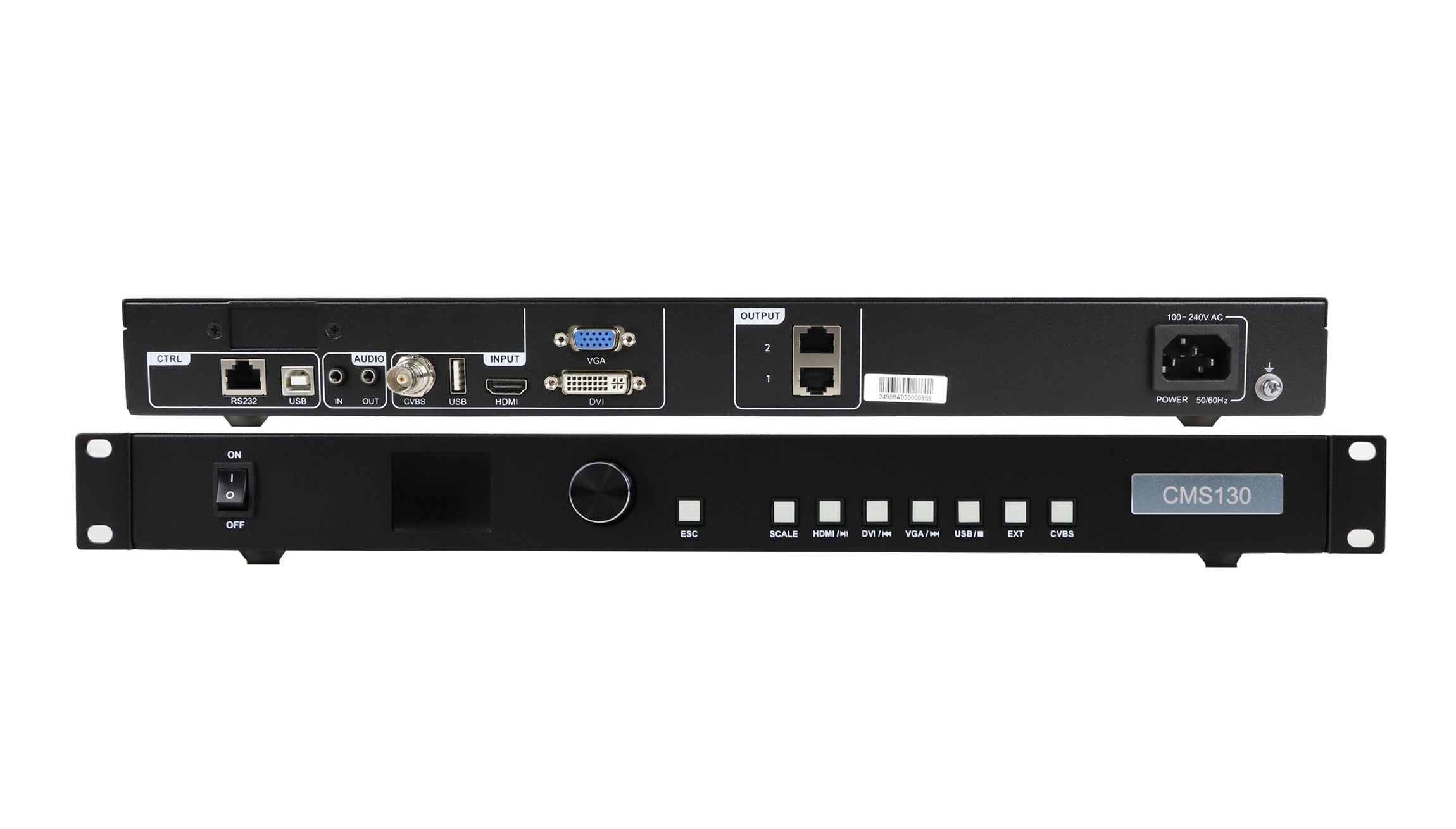
Product images
Documentation downloads
J6 FAQ
Does every J6 input support 4K video?
No. The listing assigns 4K × 2K at 30 Hz to Input A. Other inputs are listed up to 1920 × 1080 at 60 Hz.
How many windows can J6 display at once?
It supports up to six simultaneous windows and one image or text OSD overlay, within the stated processing limits.
What does the HDMI preview output show?
It supports previewing PVW, PGM and the eight input signals.
Can I save screen layouts as presets?
Yes. In addition to six built-in templates, up to 16 user presets can be created and saved.
Does J6 support Genlock?
Yes. It supports vertical synchronization using a selected input source or an external synchronization signal.
| Weight | 18 kg |
|---|
Be the first to review “NovaStar J6 LED Video Wall Processor with Multi-Screen Splicing”
You must be logged in to post a review.
Will I be charged with customs and taxes?
The prices displayed on our site are tax-free (in US Dollars), which means you may be required to pay import duties and taxes once you receive your order. Import taxes, duties, and related customs fees will be determined by your local customs office when your order arrives at its final destination.
Please note that these additional charges and taxes are your responsibility, and we do not take any responsibility for them. We are not liable for paying or reimbursing any customs duties, taxes, or related fees. For more details on these charges, please contact your local customs office.
Shipping
We can ship to virtually any address in the world. Note that there are restrictions on some products, and some products cannot be shipped to international destinations..
When you place an order, we will estimate shipping and delivery dates for you based on the availability of your items and the shipping options you choose. Depending on the shipping provider you choose, shipping date estimates may appear on the shipping quotes page.
Please also note that the shipping rates for many items we sell are weight-based. The weight of any such item can be found on its detail page. To reflect the policies of the shipping companies we use, all weights will be rounded up to the next full pound..
Returns Policy
You may return most new, unopened items within 30 days of delivery for a full refund. We'll also pay the return shipping costs if the return is a result of our error (you received an incorrect or defective item, etc.)..
You should expect to receive your refund within four weeks of giving your package to the return shipper, however, in many cases you will receive a refund more quickly. This time period includes the transit time for us to receive your return from the shipper (5 to 10 business days), the time it takes us to process your return once we receive it (3 to 5 business days), and the time it takes your bank to process our refund request (5 to 10 business days).
If you need to return an item, simply login to your account, view the order using the "Complete Orders" link under the My Account menu and click the Return Item(s) button. We'll notify you via e-mail of your refund once we've received and processed the returned item..
Related products




Reviews
There are no reviews yet.