

NovaStar TB10 LED Multimedia Player
$ 58.00
The NovaStar TB10 is a Taurus series LED multimedia player combining content playback and LED signal sending for screens up to 650,000 pixels.
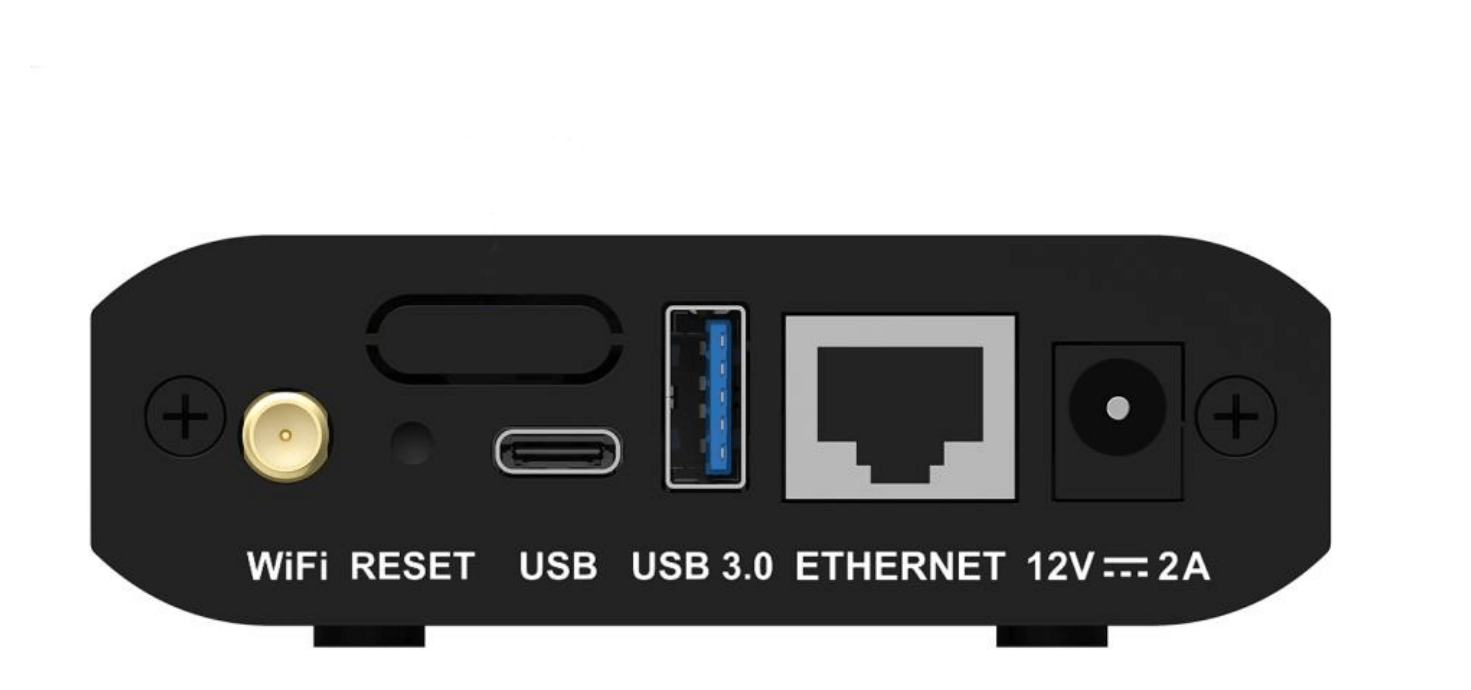
- 1 × Gigabit Ethernet LED output
- Wi-Fi AP or STA mode; optional 4G module sold separately
- PC, phone and tablet content publishing and screen control
Send your screen resolution and destination to confirm compatibility and a delivered quote.
NovaStar TB10: LED playback and sending in one box
The NovaStar TB10 is a Taurus series multimedia player for full-color LED displays. It combines content playback and LED signal sending, supports a maximum load of 650,000 pixels, and provides one Gigabit Ethernet LED output. Publish programs and control the display from a PC, mobile phone or tablet, with remote publishing and monitoring available through a configured network and compatible platform.
Model note: This listing is for the original TB10. TB10 Plus is a different model; confirm the model label, hardware revision and required connections before ordering a replacement.
NovaStar TB10 specifications
| Item | TB10 specification |
|---|---|
| Maximum LED load | 650,000 pixels in total |
| Maximum width | 4,096 pixels, within the total pixel limit |
| Maximum height | 3,840 pixels, within the total pixel limit |
| LED signal output | 1 × Gigabit Ethernet port |
| Audio output | 1 × stereo audio output; internal-source sample rate fixed at 48 kHz |
| Wi-Fi modes | AP mode or STA mode; switch according to the connection method |
| Mobile networking | Optional 4G module, purchased separately |
| Network priority | Wired network > Wi-Fi > 4G |
| Multi-screen timing | NTP; GPS requires the specified 4G module; RF requires the specified RF module |
Will the TB10 fit your LED screen?
Calculate the load as screen width in pixels × screen height in pixels. For example, 1,000 × 600 = 600,000 pixels, below the TB10 total capacity. A 1,280 × 720 screen contains 921,600 pixels and exceeds it. The width and height limits are separate constraints: they do not mean the TB10 can drive a 4,096 × 3,840-pixel screen.
Pixel count is the first check. Receiving-card compatibility, cabinet mapping, firmware and the content layout must also suit the installation. For unusual aspect ratios or a replacement project, send us the pixel resolution and receiving-card model before ordering.
Publishing, Wi-Fi and remote screen control
- Local control: Use a PC, phone or tablet to publish programs and control the display.
- Wi-Fi AP: Connect your terminal to the TB10 hotspot for local access.
- Wi-Fi STA: Connect the TB10 and your terminal to the same router network.
- Remote management: Configure compatible cloud publishing and monitoring for screens at different locations. Remote access requires a working network connection and the relevant platform configuration.
- Optional 4G: The standard TB10 does not include the 4G module. Confirm module compatibility and local mobile-network requirements separately.
Multi-screen synchronization
The TB10 supports NTP time synchronization. GPS timing requires the specified 4G module, while RF timing requires the specified RF module. This feature coordinates playback across screens; it does not increase the 650,000-pixel loading capacity of each player.
Price, specification request and ordering
Use the current price displayed above for this product. Before ordering, confirm the exact TB10 model, quantity, optional modules, delivery destination and shipping charges. Check the taxes, shipping and returns tab for the store policy; the displayed product price alone is not a delivered project quotation.
The previous downloadable specification link is no longer available. Request the TB10 datasheet and a compatibility check with your screen resolution and a photo of your existing controller label.
Explore our LED media players and NovaStar control products for other project requirements.
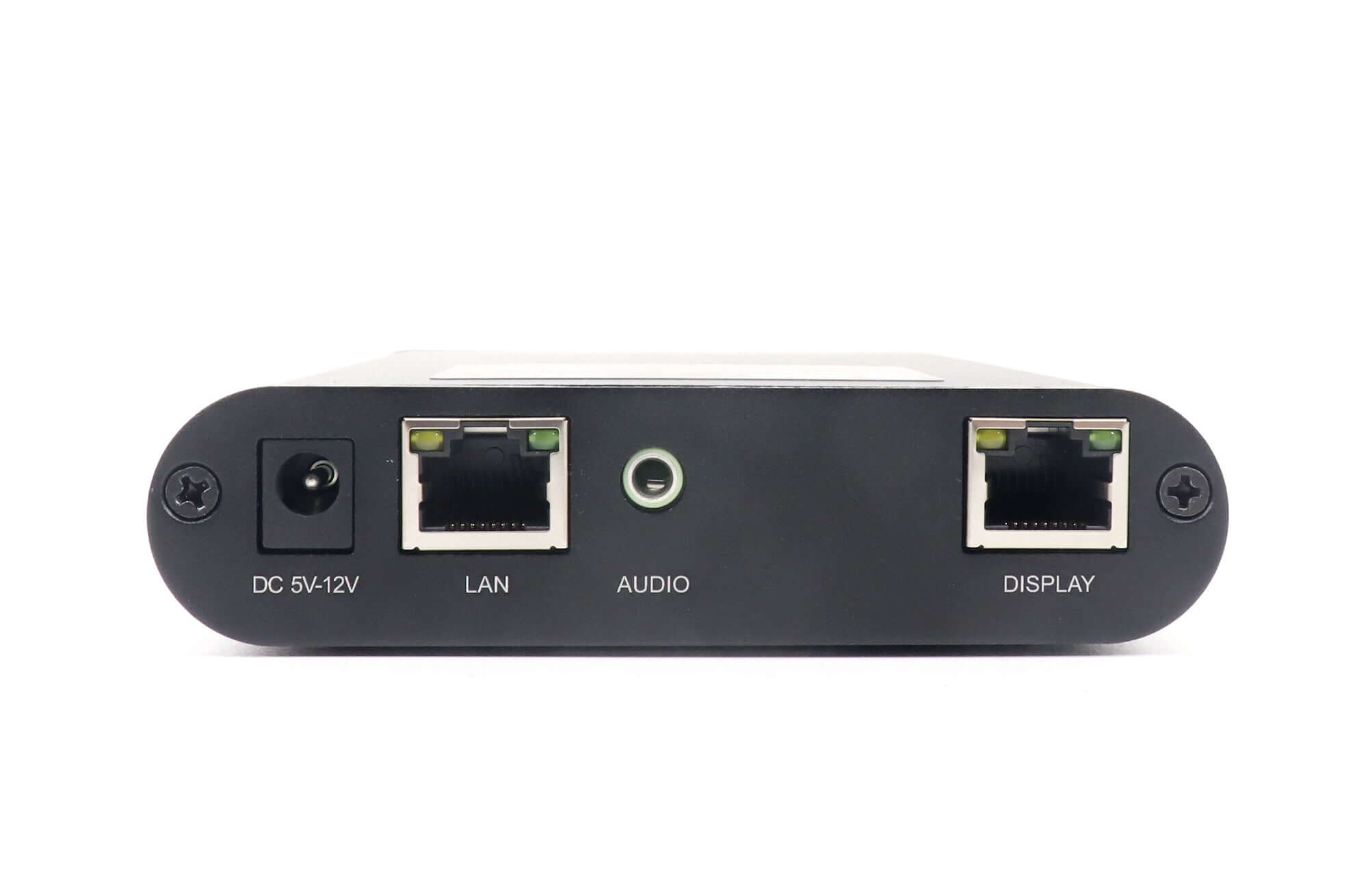
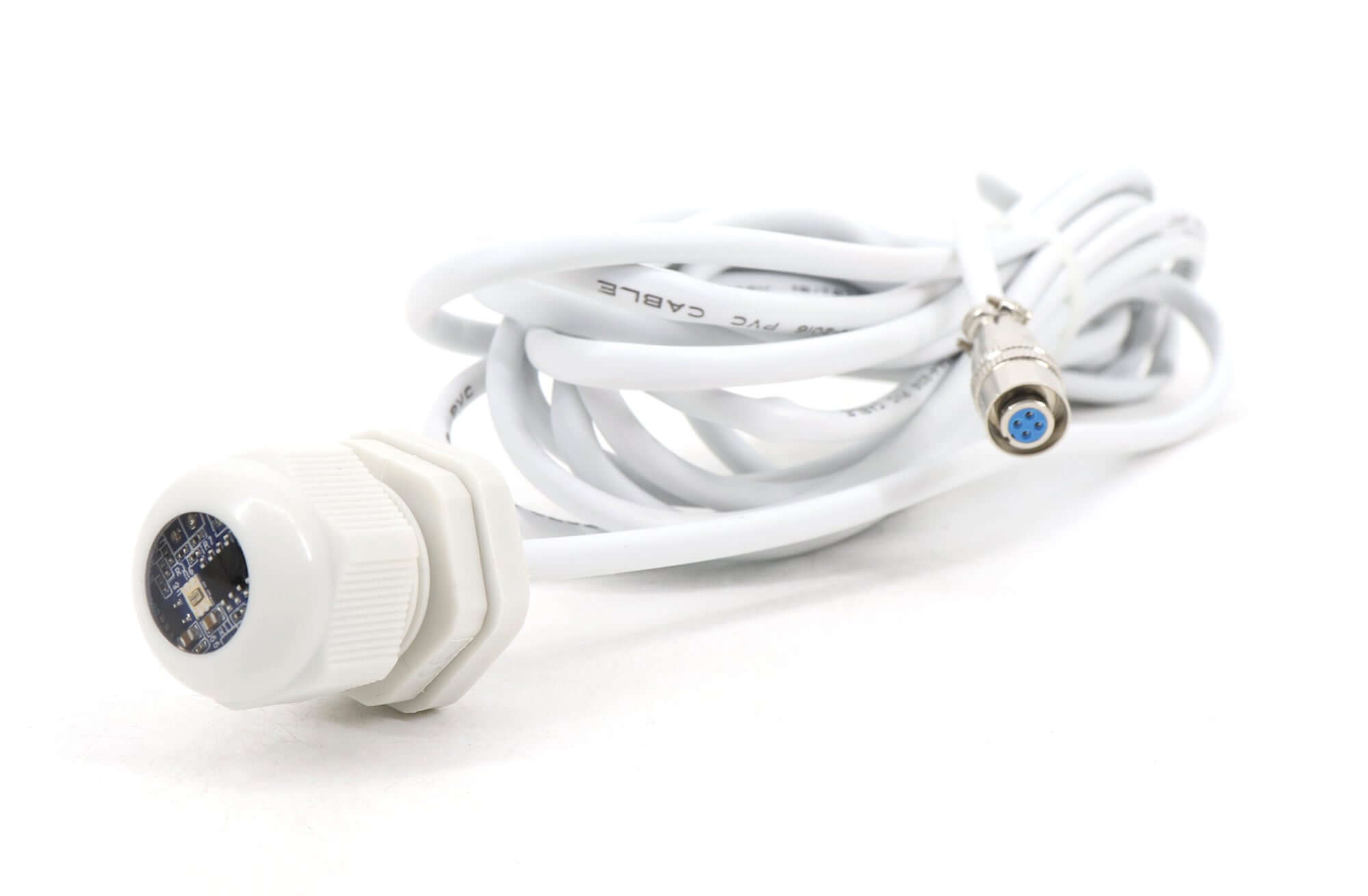
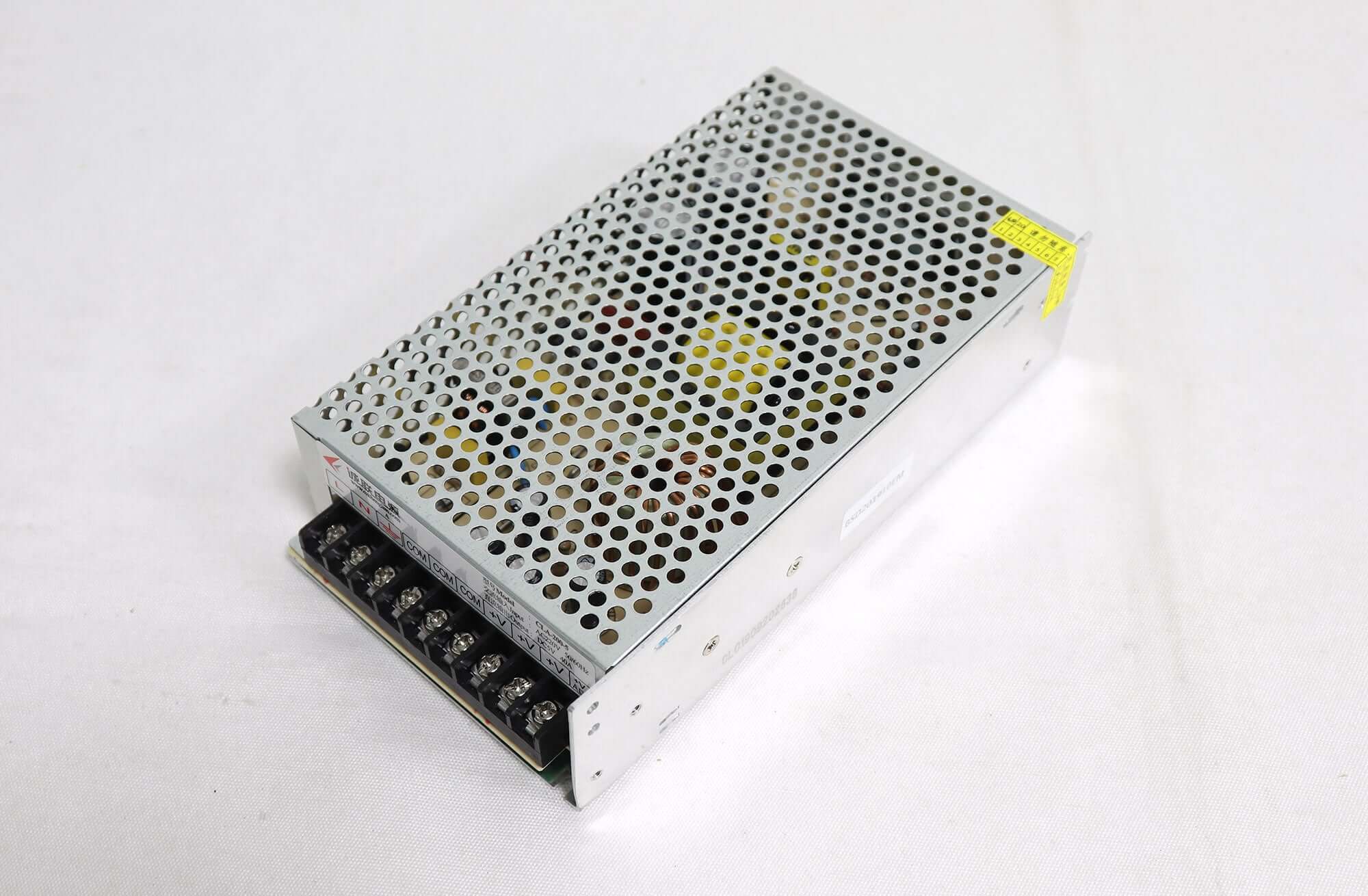
TB10 product images
Frequently asked questions
What is the NovaStar TB10 used for?
It combines media playback and LED signal sending for full-color LED screens within its 650,000-pixel capacity. Users can publish content and control the screen from a PC, phone or tablet.
Does the TB10 include a 4G module?
No. The 4G module is an optional accessory purchased separately. Confirm the correct module for the player and deployment region before ordering.
Can I use Wi-Fi to control the TB10?
Yes. In AP mode, connect to the player’s hotspot. In STA mode, connect the player and your terminal to the same router. The original TB10 switches between these modes.
Is TB10 the same as TB10 Plus?
No. They are distinct models. Match the exact model, ports, firmware and project requirements instead of treating the names as interchangeable.
How do I check the TB10 price and shipping cost?
Check the current product price above, then confirm quantity, optional accessories and destination with EagerLED to obtain the applicable shipping details.
Product information maintained by EagerLED. Updated . Confirm the specification for the supplied hardware revision before purchase.
| Weight | 2.5 kg |
|---|
Be the first to review “NovaStar TB10 LED Multimedia Player”
You must be logged in to post a review.
Will I be charged with customs and taxes?
The prices displayed on our site are tax-free (in US Dollars), which means you may be required to pay import duties and taxes once you receive your order. Import taxes, duties, and related customs fees will be determined by your local customs office when your order arrives at its final destination.
Please note that these additional charges and taxes are your responsibility, and we do not take any responsibility for them. We are not liable for paying or reimbursing any customs duties, taxes, or related fees. For more details on these charges, please contact your local customs office.
Shipping
We can ship to virtually any address in the world. Note that there are restrictions on some products, and some products cannot be shipped to international destinations..
When you place an order, we will estimate shipping and delivery dates for you based on the availability of your items and the shipping options you choose. Depending on the shipping provider you choose, shipping date estimates may appear on the shipping quotes page.
Please also note that the shipping rates for many items we sell are weight-based. The weight of any such item can be found on its detail page. To reflect the policies of the shipping companies we use, all weights will be rounded up to the next full pound..
Returns Policy
You may return most new, unopened items within 30 days of delivery for a full refund. We'll also pay the return shipping costs if the return is a result of our error (you received an incorrect or defective item, etc.)..
You should expect to receive your refund within four weeks of giving your package to the return shipper, however, in many cases you will receive a refund more quickly. This time period includes the transit time for us to receive your return from the shipper (5 to 10 business days), the time it takes us to process your return once we receive it (3 to 5 business days), and the time it takes your bank to process our refund request (5 to 10 business days).
If you need to return an item, simply login to your account, view the order using the "Complete Orders" link under the My Account menu and click the Return Item(s) button. We'll notify you via e-mail of your refund once we've received and processed the returned item..
Related products
Reviews
There are no reviews yet.