
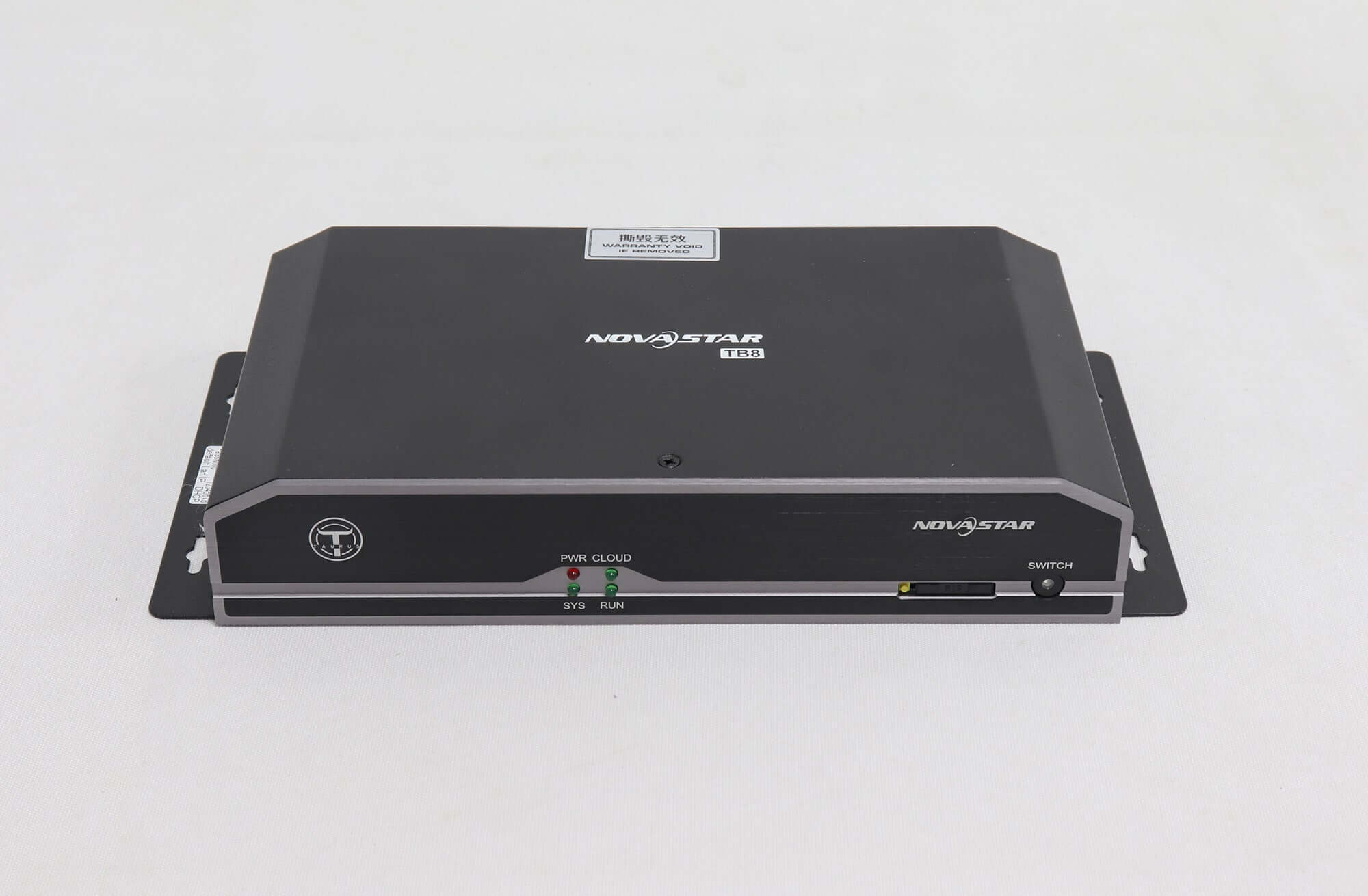
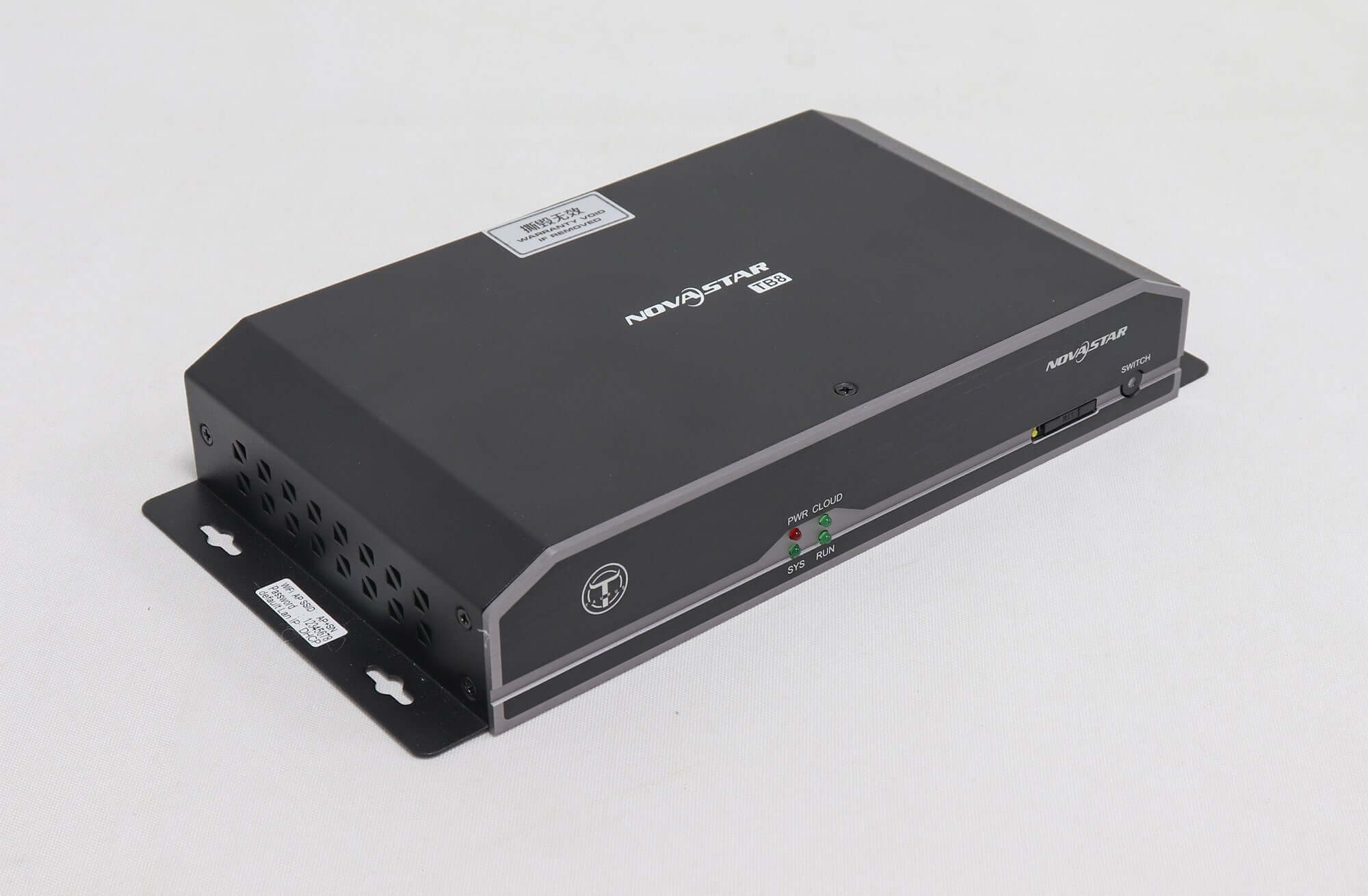
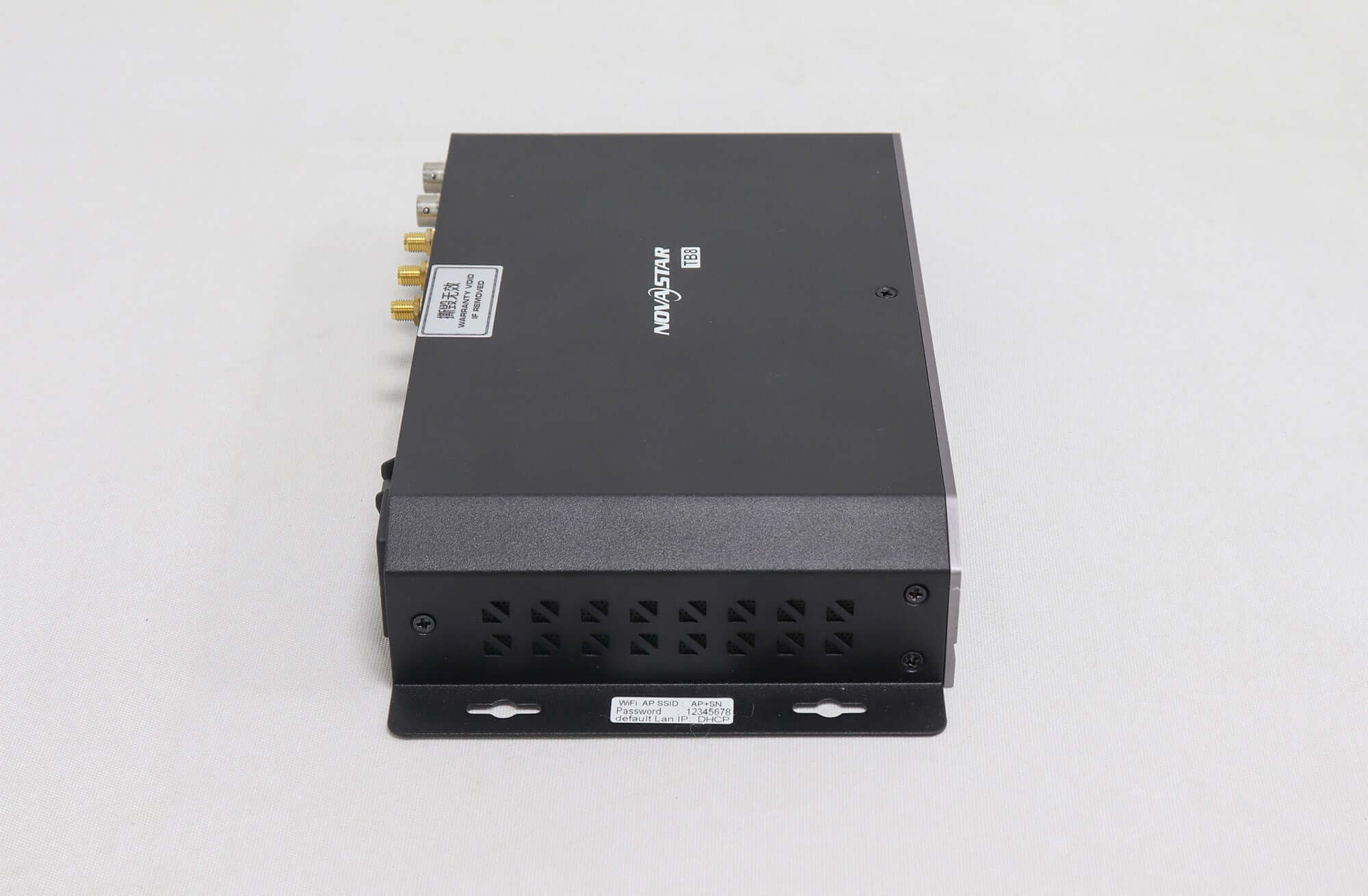
NovaStar TB8 LED Multimedia Player — Legacy Specifications
$ 480.00
Legacy NovaStar TB8 multimedia player reference for installed LED displays. This listing is out of stock.
- Up to 2.3 million LED pixels, subject to screen shape and configuration
- Internal-source playback and HDMI synchronous mode
- 2 GB operating memory and 8 GB storage
- Confirm output backup wiring and optional 4G hardware
- Request a compatibility check before selecting a replacement
Out of stock
NovaStar TB8 legacy multimedia player for LED displays
Legacy-model reference: EagerLED’s existing listing identifies the NovaStar TB8 as no longer in production, and this listing is currently out of stock. Use the specifications below to identify an installed unit or prepare a replacement enquiry. The linked TB60 is a candidate for a configuration check, not a confirmed direct replacement for every TB8 installation.
TB8 combines media playback and LED sending, with a documented loading capacity of up to 2.3 million pixels. It supports playback from an internal source as well as a live HDMI input. For an existing screen, the receiving-card setup, media programs, networking and any backup wiring are as important as the total pixel count.
TB8 capacity and hardware specifications
| LED loading | Up to 2,300,000 pixels; maximum width 4096 pixels and maximum height 1920 pixels, within the total capacity |
|---|---|
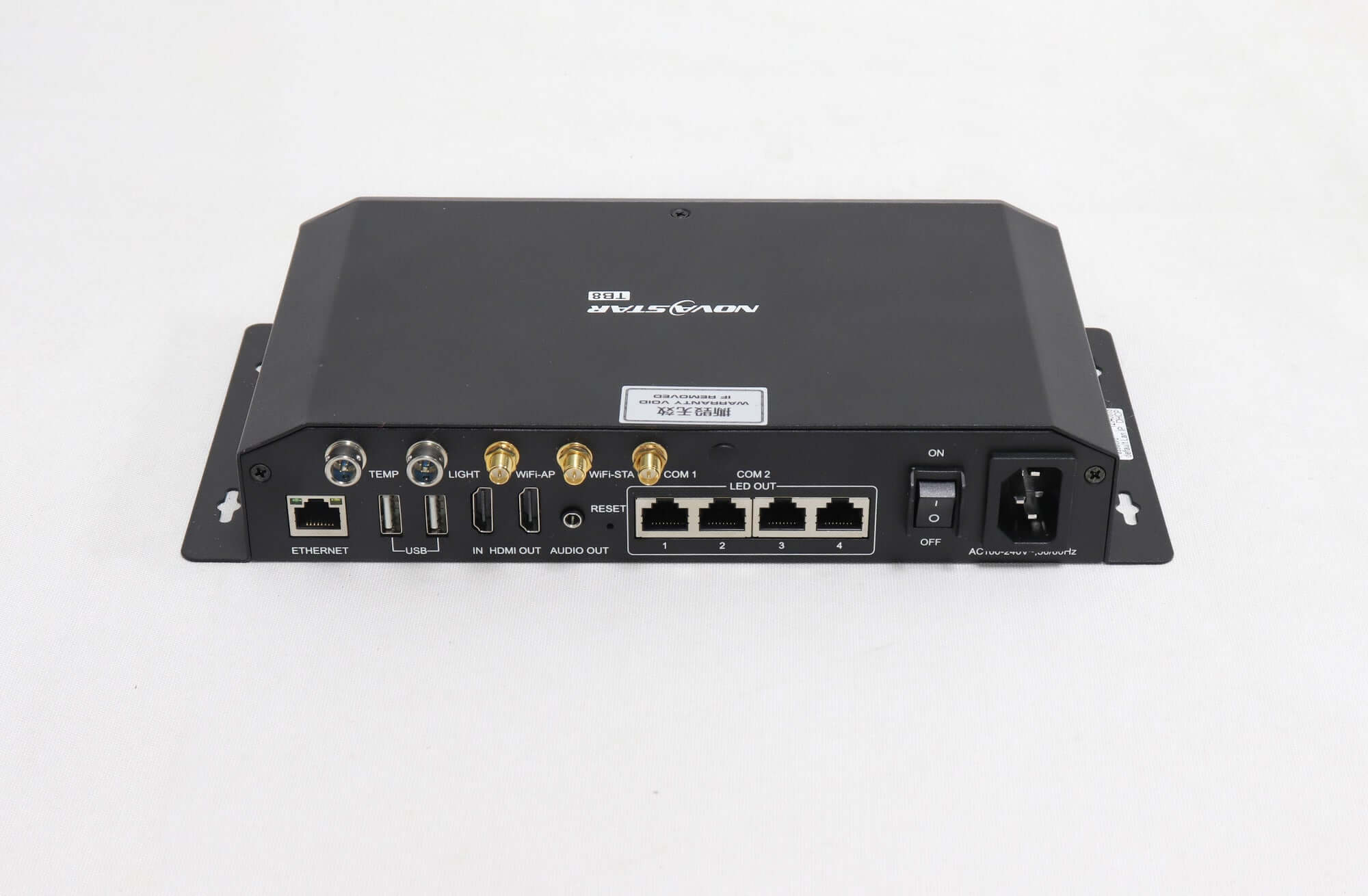
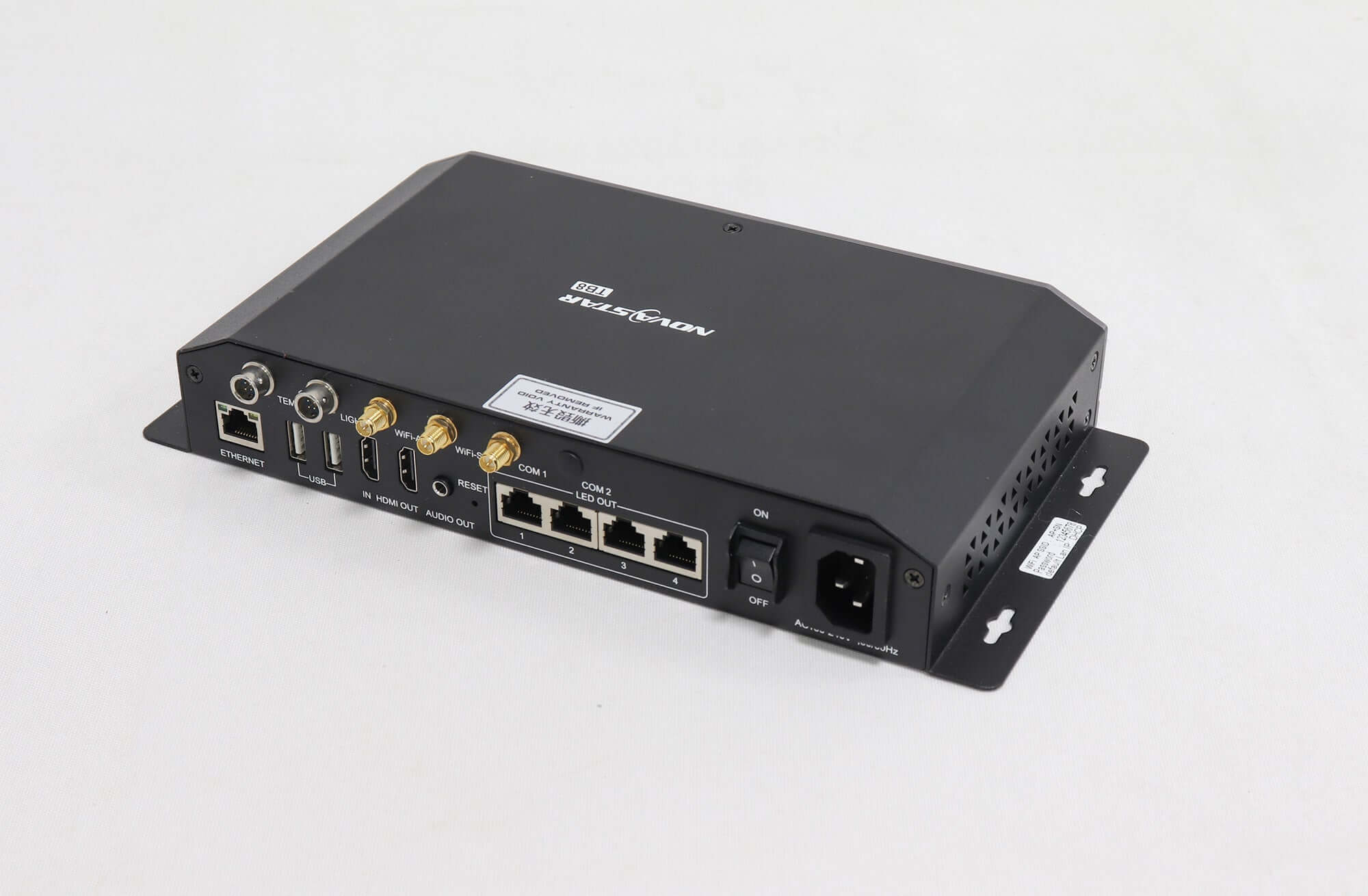
| LED connections | 4 Ethernet output ports; rear-panel labels include LED OUT 1/2 and BACKUP 1/2. Confirm the active and backup configuration |
| Video / audio | HDMI 1.4 input and output; HDMI Loop and stereo audio output |
| Processing / storage | 1.5 GHz eight-core processor; 2 GB operating memory and 8 GB internal storage |
| Publishing connections | Gigabit management Ethernet, dual Wi-Fi AP/STA and 2 USB 2.0 host interfaces for USB-drive importing |
| Power | 100–240 V AC, 50/60 Hz input; 15 W rated consumption |
| Dimensions / weight | 278.5 × 148.5 × 45.0 mm / 1352.1 g, per the published specification |
The width and height maxima are separate constraints. A 4096 × 1920 LED canvas contains 7,864,320 pixels and exceeds the 2.3-million-pixel budget. Also, do not add backup ports to the active loading capacity without checking the actual redundancy setup.
Internal playback, HDMI and multiple screens
TB8 uses its internal video source in asynchronous mode and the HDMI input in synchronous mode. The specification describes automatic full-screen fitting in synchronous mode and manual or scheduled mode changes. Match the source timing and screen configuration before relying on the existing playback behavior.
The documented H.265 4K hardware decoding capability does not make TB8 a 4K LED-output controller. Source-file decoding and LED loading are different limits. Keep a copy of the working media, playback layout and receiving-card configuration when planning a migration.
For synchronized playback across several TB8 units, the players need synchronized time and the same program. The document recommends a time-synchronization module where synchronization requirements are demanding. Confirm installed accessories rather than assuming this function is included in every unit.
Networking and software to check before replacement
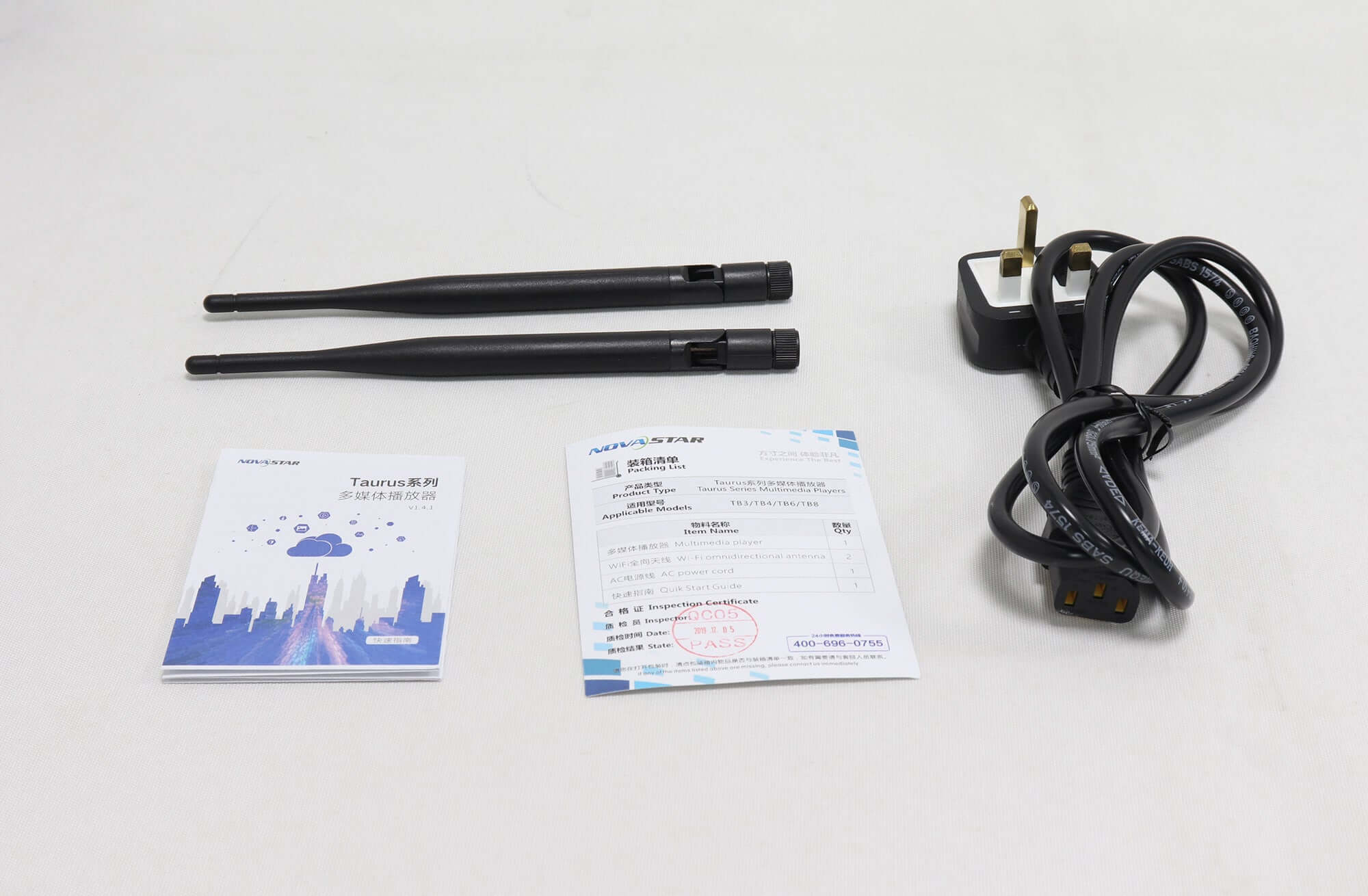
Dual Wi-Fi provides AP and STA connections. The documented network priority is wired Ethernet, then Wi-Fi STA, then 4G. Mobile-network operation requires a separately purchased module matched to the regional service; a SIM slot or antenna alone does not establish which module is fitted.
The legacy document names ViPlex Express for Windows publishing, ViPlex Handy for mobile publishing and NovaLCT for screen configuration. Its system-software section does not support third-party applications. Record the software and firmware versions that work with the installed screen, and verify the migration route before updating an operating installation.
TB8 replacement questions
Is a 1920 × 1080 LED matrix within TB8’s pixel budget?
Its 2,073,600 pixels are below the listed total capacity. That arithmetic is only an initial check: receiving-card capability, output distribution, driver IC and required image performance still need confirmation.
Can I order TB60 as an automatic TB8 substitute?
Check it first. Compare the required LED matrix, HDMI use, output and backup topology, software, sensors, mobile-network module and mounting. The existing TB8 listing’s alternative link does not establish that all cables and settings transfer unchanged.
What should I save from the old installation?
Record the TB8 hardware label, firmware and software versions, screen pixel dimensions, receiving-card models, cabinet connection layout, backup arrangement, media programs and networking requirements. Include photographs of the ports and installed optional modules.
TB8 specification and replacement enquiry
Read the original NovaStar TB8 specification V1.2.0, NS120100214. Review the TB60 replacement candidate or contact EagerLED with the installed system details for a compatibility check.
| Weight | 4.5 kg |
|---|
Be the first to review “NovaStar TB8 LED Multimedia Player — Legacy Specifications”
You must be logged in to post a review.
Will I be charged with customs and taxes?
The prices displayed on our site are tax-free (in US Dollars), which means you may be required to pay import duties and taxes once you receive your order. Import taxes, duties, and related customs fees will be determined by your local customs office when your order arrives at its final destination.
Please note that these additional charges and taxes are your responsibility, and we do not take any responsibility for them. We are not liable for paying or reimbursing any customs duties, taxes, or related fees. For more details on these charges, please contact your local customs office.
Shipping
We can ship to virtually any address in the world. Note that there are restrictions on some products, and some products cannot be shipped to international destinations..
When you place an order, we will estimate shipping and delivery dates for you based on the availability of your items and the shipping options you choose. Depending on the shipping provider you choose, shipping date estimates may appear on the shipping quotes page.
Please also note that the shipping rates for many items we sell are weight-based. The weight of any such item can be found on its detail page. To reflect the policies of the shipping companies we use, all weights will be rounded up to the next full pound..
Returns Policy
You may return most new, unopened items within 30 days of delivery for a full refund. We'll also pay the return shipping costs if the return is a result of our error (you received an incorrect or defective item, etc.)..
You should expect to receive your refund within four weeks of giving your package to the return shipper, however, in many cases you will receive a refund more quickly. This time period includes the transit time for us to receive your return from the shipper (5 to 10 business days), the time it takes us to process your return once we receive it (3 to 5 business days), and the time it takes your bank to process our refund request (5 to 10 business days).
If you need to return an item, simply login to your account, view the order using the "Complete Orders" link under the My Account menu and click the Return Item(s) button. We'll notify you via e-mail of your refund once we've received and processed the returned item..
Related products

Reviews
There are no reviews yet.