
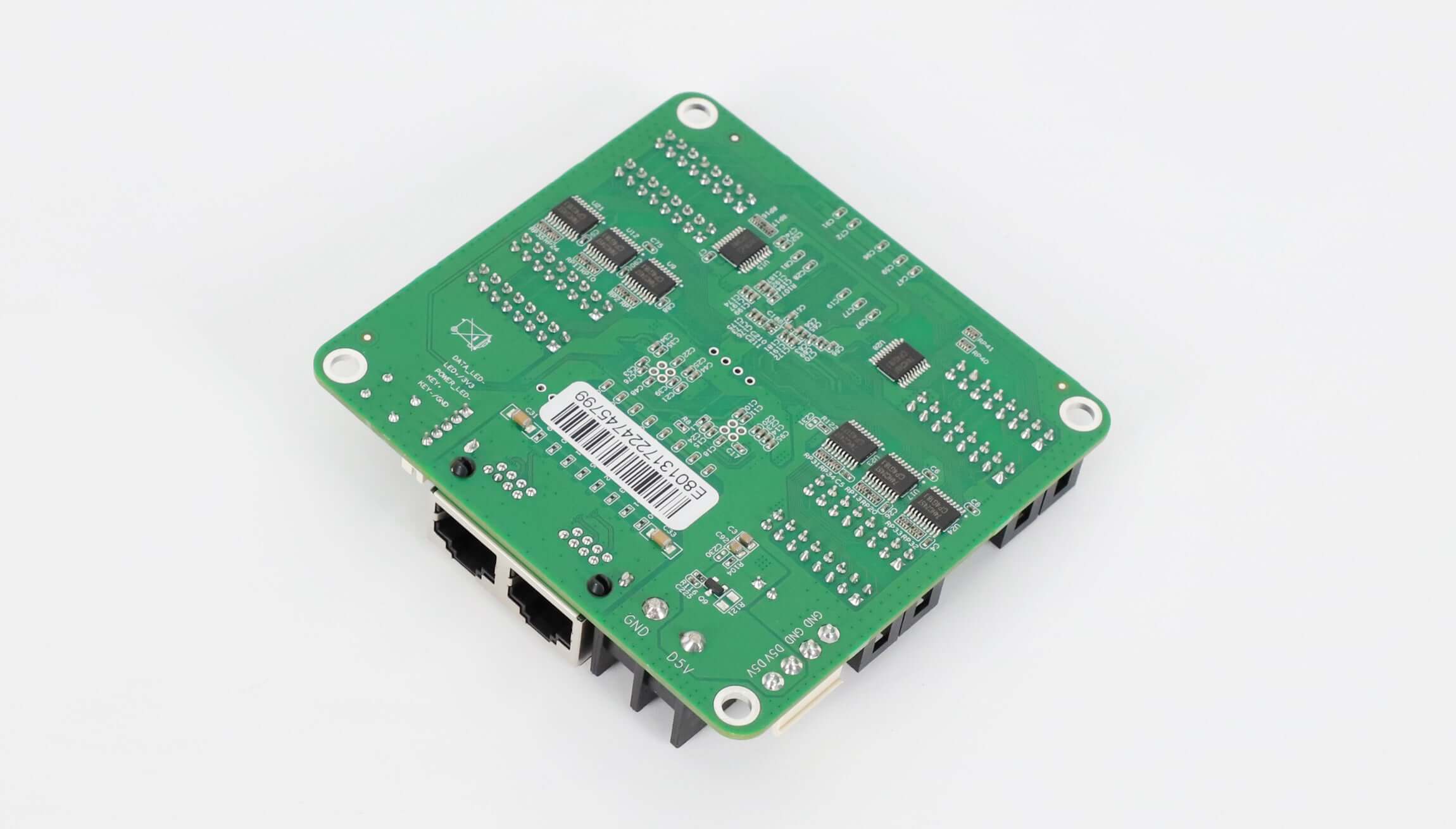
Colorlight E80 HUB75 LED Receiving Card
$ 11.30
Colorlight E80 LED receiving card with integrated HUB75 outputs. V4.2.1 lists 128 × 1024 PWM-chip loading, up to 1/128 scan and DC 3.8–5.5 V input. Confirm the driver IC and frame rate for your cabinet.
2496 in stock
Colorlight E80 receiving card with integrated HUB75 outputs
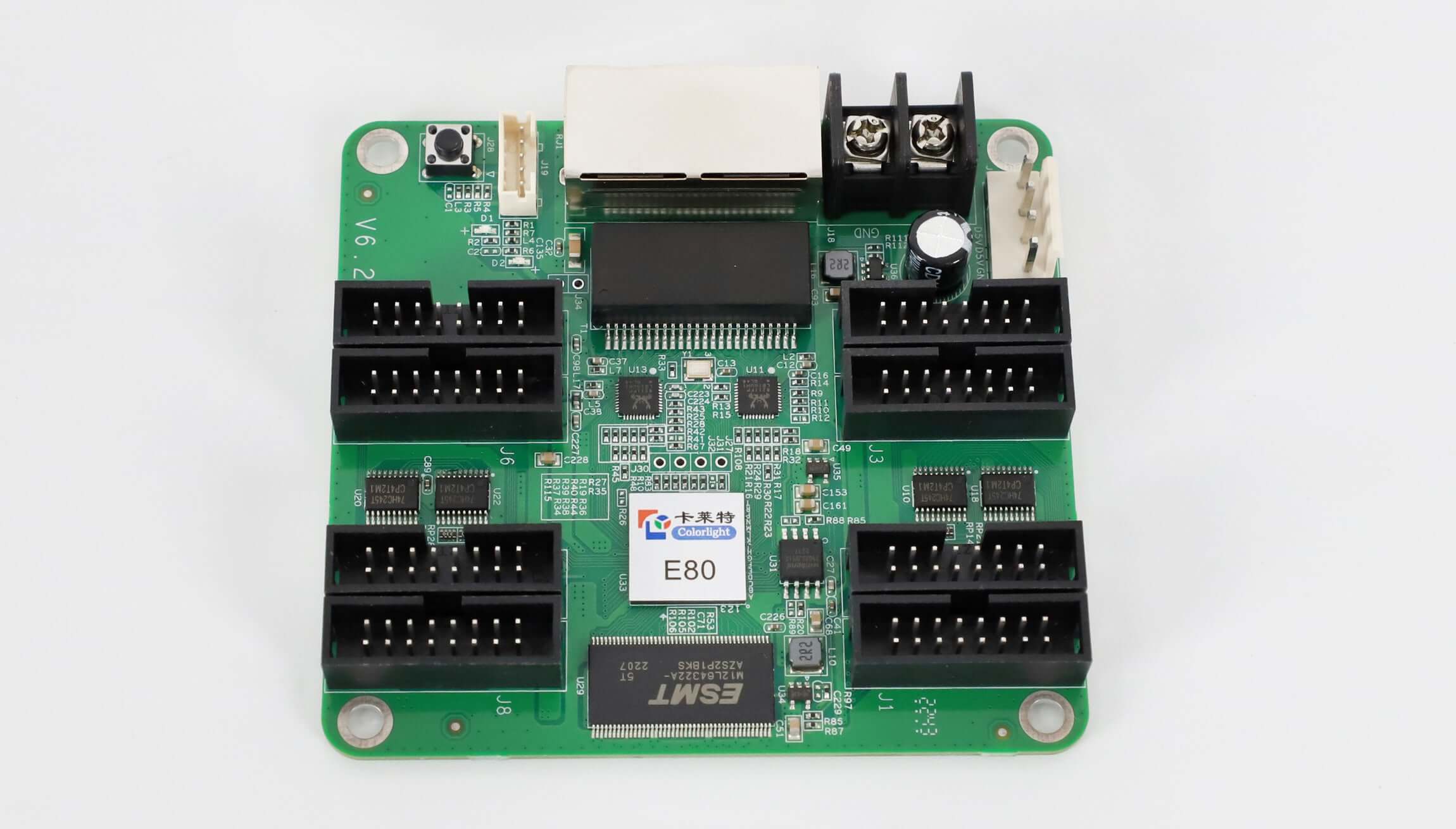
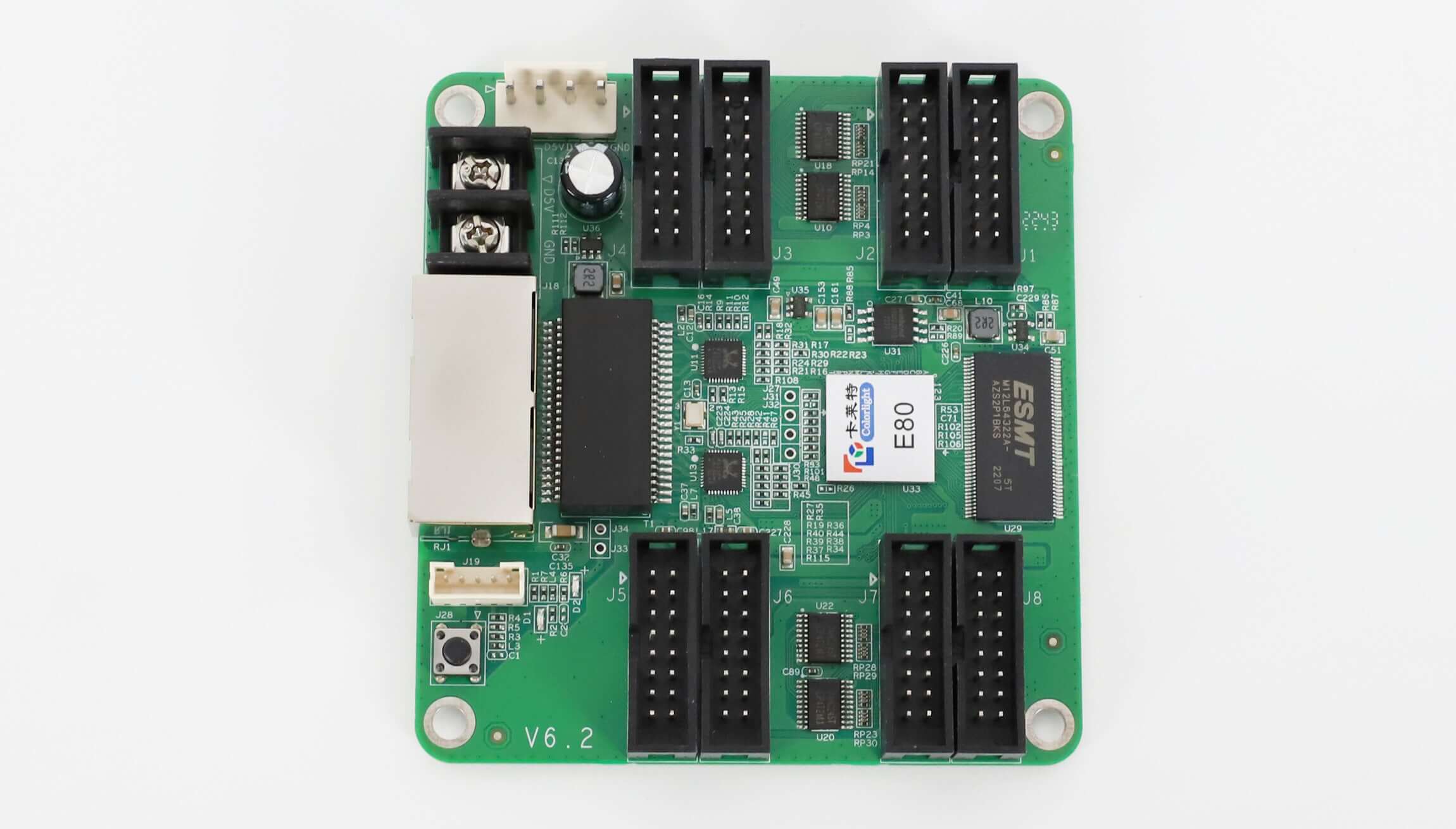
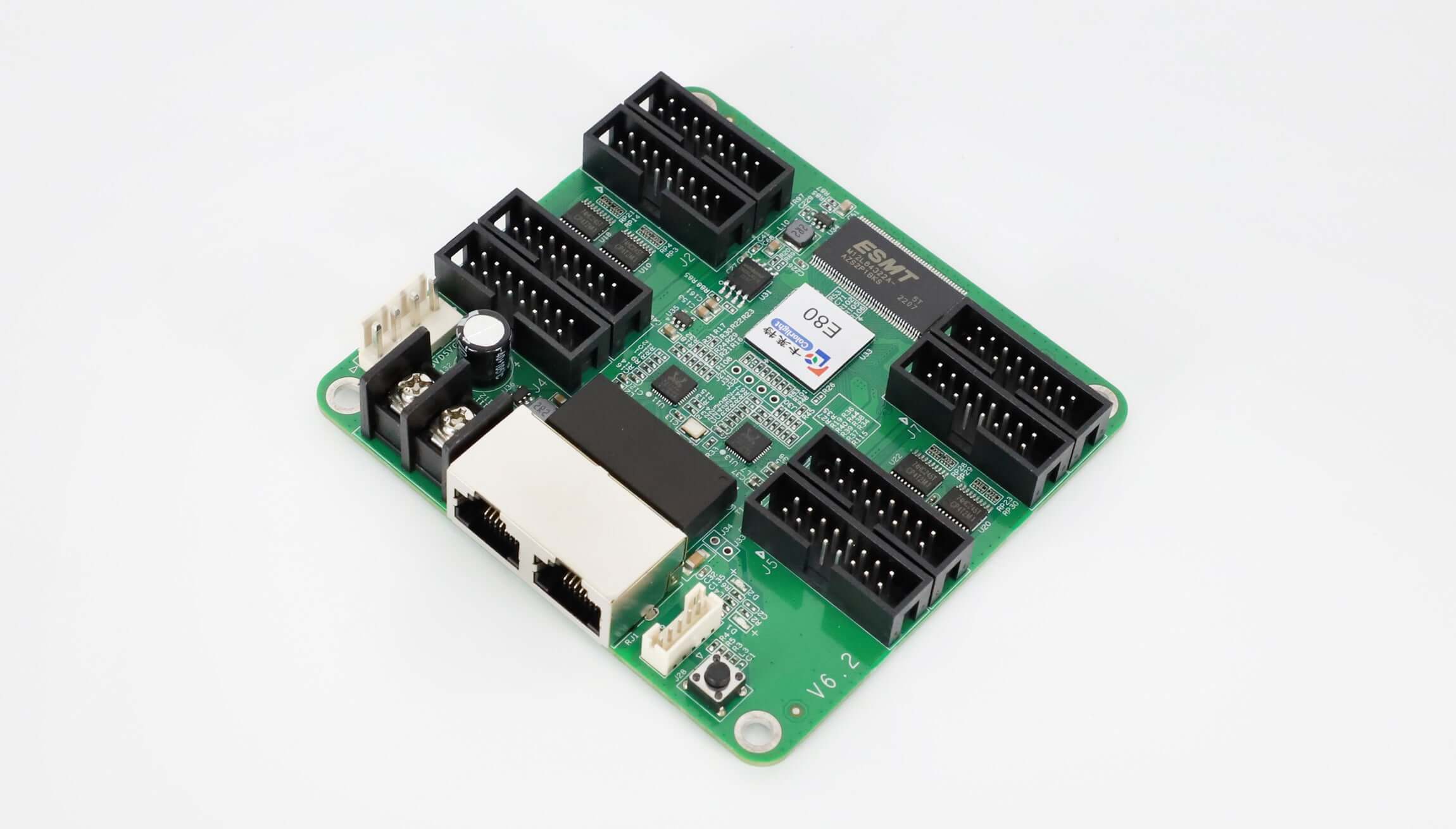
The Colorlight E80 is an LED receiving card with integrated HUB75 interfaces for connecting display modules. It supports 16 groups of parallel RGB data or 32 groups of serial RGB data. Its maximum listed loading is 128 × 1024 pixels with PWM driver chips; other chip types have different limits.
This guide uses the E80 V4.2.1 specification. Match the supplied hardware revision, driver IC and scan configuration before choosing a card for a new cabinet or replacing an existing receiver.
E80 loading capacity and specifications
| Parameter | V4.2.1 specification |
|---|---|
| PWM chip loading | 128 × 1024 pixels |
| Normal chip loading | 64 × 1024 pixels |
| Shixin chip loading | 81 × 1024 pixels |
| Scan support | Up to 1/128 scan |
| Module interface | HUB75; outputs J1–J8 |
| Ethernet | Two RJ45 ports; 1 Gb/s transmission |
| Supply voltage / rated power | DC 3.8–5.5 V / 3 W |
| Dimensions / weight | 86.8 × 91.7 × 18.4 mm / 61 g |
| Recommended network cable | CAT5e, up to 100 m |
These loading values depend on the driver-chip family. Do not use the PWM maximum as the capacity for every module. The datasheet also describes serial-data expansion up to 128 groups; confirm the required configuration rather than assuming it is the default output arrangement.
Image control and cabinet maintenance
The E80 supports 8-bit video input and output, color-temperature adjustment, low-brightness grayscale processing, and pixel-level brightness and chromaticity calibration. Adaptive frame-rate operation includes regular video rates and 120/240 Hz output. High frame rates affect loading, so evaluate the required frame rate with the cabinet resolution and driver settings.
Cabinet highlight helps technicians identify a selected cabinet. Quick OSD identifies the receiving-card connection number, while image rotation and data-group offset help configure cabinet orientation and simple shaped screens. Rotation options depend on the main controller used.
Network bit-error monitoring helps locate abnormal data connections. Loop redundancy provides an alternate signal route when correctly wired and configured. Firmware backup and readback support maintenance and upgrades; they do not replace a saved copy of the screen configuration.
Power and HUB75 connection checks
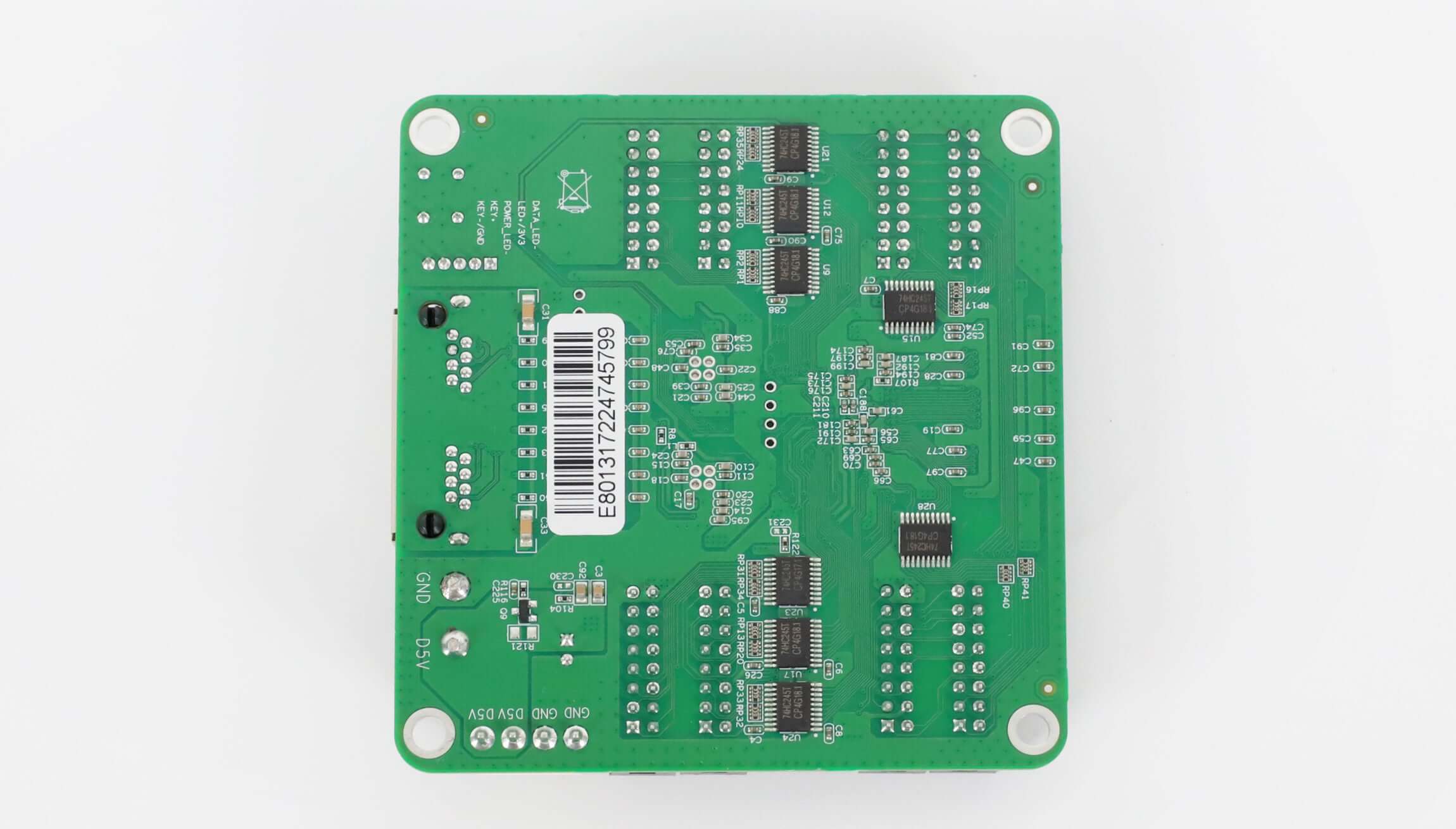
The two power inputs are alternatives: the specification instructs installers to use only one. Verify DC 3.8–5.5 V input and correct polarity before connecting power. Compare the HUB75 signal definitions, module scan ratio, driver IC and ribbon-cable direction with the existing cabinet.
For replacement matching, send photos of the card and module labels, board revision, cabinet pixel dimensions, sending-device model and current configuration file if available. Physical connector similarity alone does not establish compatibility. Browse the LED receiving card range if the cabinet needs another interface or loading arrangement.
Frequently asked questions
Does every E80 configuration load 128 × 1024 pixels?
No. V4.2.1 lists 128 × 1024 for PWM chips, 64 × 1024 for normal chips and 81 × 1024 for Shixin chips. The operating frame rate also affects loading.
Can the E80 output 240 Hz video?
The specification supports 120/240 Hz high-frame-rate output and states that this affects the load. Confirm the sending device, module driver and cabinet resolution for the intended operating mode.
How many HUB75 outputs and RGB data groups does E80 have?
The board has HUB75 outputs J1–J8. V4.2.1 lists 16 parallel RGB groups or 32 serial RGB groups, with serial expansion up to 128 groups in the appropriate configuration. These are not interchangeable port-count figures.
Should both power inputs be connected?
Use one of the two power inputs as instructed in the datasheet. Check voltage and polarity against the actual board before installation.
Where are the HUB75 pinout and full parameters?
The Colorlight E80 V4.2.1 specification PDF includes the interface diagram and HUB75 definitions. Contact EagerLED with your module and cabinet information to check the required card and quantity.
| Weight | 0.3 kg |
|---|
Be the first to review “Colorlight E80 HUB75 LED Receiving Card”
You must be logged in to post a review.
Will I be charged with customs and taxes?
The prices displayed on our site are tax-free (in US Dollars), which means you may be required to pay import duties and taxes once you receive your order. Import taxes, duties, and related customs fees will be determined by your local customs office when your order arrives at its final destination.
Please note that these additional charges and taxes are your responsibility, and we do not take any responsibility for them. We are not liable for paying or reimbursing any customs duties, taxes, or related fees. For more details on these charges, please contact your local customs office.
Shipping
We can ship to virtually any address in the world. Note that there are restrictions on some products, and some products cannot be shipped to international destinations..
When you place an order, we will estimate shipping and delivery dates for you based on the availability of your items and the shipping options you choose. Depending on the shipping provider you choose, shipping date estimates may appear on the shipping quotes page.
Please also note that the shipping rates for many items we sell are weight-based. The weight of any such item can be found on its detail page. To reflect the policies of the shipping companies we use, all weights will be rounded up to the next full pound..
Returns Policy
You may return most new, unopened items within 30 days of delivery for a full refund. We'll also pay the return shipping costs if the return is a result of our error (you received an incorrect or defective item, etc.)..
You should expect to receive your refund within four weeks of giving your package to the return shipper, however, in many cases you will receive a refund more quickly. This time period includes the transit time for us to receive your return from the shipper (5 to 10 business days), the time it takes us to process your return once we receive it (3 to 5 business days), and the time it takes your bank to process our refund request (5 to 10 business days).
If you need to return an item, simply login to your account, view the order using the "Complete Orders" link under the My Account menu and click the Return Item(s) button. We'll notify you via e-mail of your refund once we've received and processed the returned item..
Related products
Reviews
There are no reviews yet.